
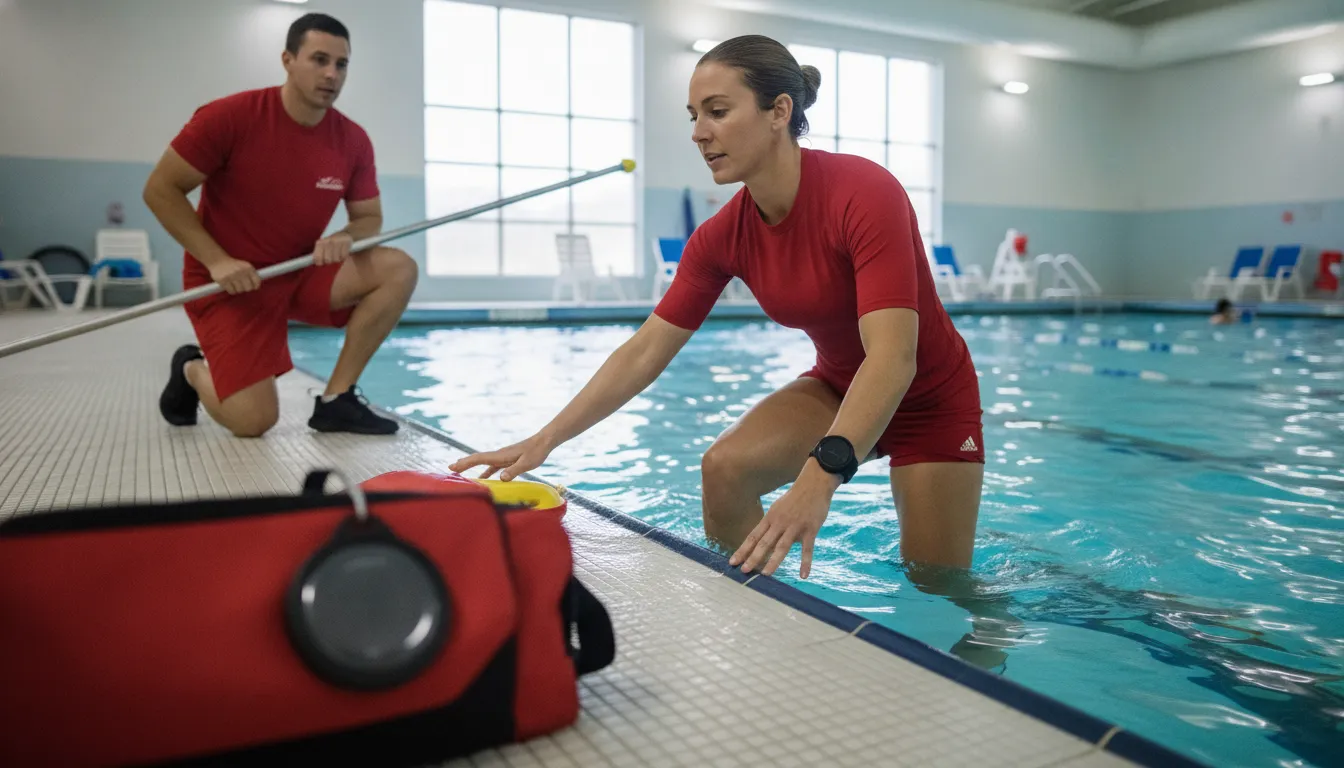
A lifeguard entry alert helps a supervised aquatic facility communicate that a rescue is underway without depending on a radio call, a hand signal, or one person's ability to notice the water entry. The right setup connects the entering guard with the rest of the team so staff can follow the facility's emergency procedures with less communication friction. This guide explains how the alert works, where it fits in a rescue workflow, and what operators should confirm before deployment.
What is a lifeguard entry alert?
A lifeguard entry alert is an automatic notification that activates when a tagged lifeguard enters the water. Its purpose is not to make a rescue decision for the guard or replace active surveillance. It gives the rest of the aquatic team a shared signal that a guard has moved from the deck into the water and that the facility's response plan may need additional support.
A lifeguard entry alert turns water entry into a team-wide operational signal. It can notify other guards and facility staff while the entering guard focuses on the swimmer and the rescue, but it remains one layer of a broader supervision and emergency response program.
In a traditional setup, the guard entering the water may need to rely on a shout, a whistle, a radio transmission, or another staff member seeing the entry. Each method can work, but each also depends on conditions at the moment: noise, sightlines, staffing positions, and the urgency of the event. An automatic trigger creates a consistent communication step that can be practiced and included in the facility's written procedures.
For operators, the distinction between an entry alert and a swimmer-submersion alert matters. A swimmer wearable is used to help notify guards when a swimmer remains underwater for a configured period. A lifeguard tag communicates a different event: the guard has entered the water to respond. Facilities may use both types of signals, but they should define what each alert means and who owns the next action.
WAVE's GUARDian Lifeguard Tag is a small waterproof tag that can attach to lifeguard clothing or equipment such as a rescue pouch, armband, or buoy. The live product page describes the tag as a 12-month battery device and shows it as the automatic trigger in the GUARDian Lifeguard Alert Bundle.
Why can faster notification improve rescue coordination?
Water rescues are highly time-sensitive, but speed is not only about how quickly a guard reaches a swimmer. The team also needs to understand what is happening, maintain coverage of the rest of the pool, bring the appropriate equipment, manage access to the deck, and communicate with facility staff. A clear entry signal helps those parallel responsibilities begin sooner instead of waiting for an informal message.
Faster notification supports coordination, not guaranteed outcomes. The entering guard still assesses the situation, follows training, and directs the rescue while other staff carry out the responsibilities assigned in the facility's emergency action plan.
Consider a busy community pool during open swim. One guard enters the water to assist a swimmer while other guards remain responsible for their zones. A second guard may need to take over a sightline, a supervisor may need to bring equipment or contact emergency services, and front desk or security staff may need to control access for responders. If the entry is not visible from every position, an alert can reduce the time needed to establish a shared picture.
Automatic communication also helps avoid an avoidable distraction. The entering guard should not need to stop and press a button, search for a radio, or rely on a separate manual signal before entering. WAVE's product information describes the GUARDian Lifeguard Tag as an automatic trigger with no button to press. That design supports a simple operating principle: the guard responds to the swimmer, and the system communicates the entry to the people who need to support the response.
A facility should still define the boundaries of the technology. An alert does not diagnose a swimmer's condition, direct a rescue technique, confirm that every staff member received the message, or replace a trained lifeguard. It is a communication aid that can help reduce one operational gap when it is installed, configured, and drilled as part of the facility's existing program.
How does WAVE turn water entry into a shared alert?
WAVE's GUARDian workflow connects a lifeguard tag, the GUARDian Hub (w3000), vibrating bracelets, and facility notification equipment. The workflow is designed to move from a local physical event to notifications that reach the other people supporting the response. The exact response should follow the facility's settings, training, and emergency action plan rather than an assumed universal sequence.
With WAVE, the tagged guard enters the water, the GUARDian Hub recognizes the tag's submersion, and the system can trigger bracelets for other guards followed by audio and visual facility alerts. The signal gives the team context while the guard remains focused on the rescue.
- The lifeguard tag is worn or attached. The GUARDian Lifeguard Tag can be attached to clothing, a rescue pouch, an armband, or a lifeguard buoy. The facility should choose an attachment point that is secure, practical, and consistent with the guard's normal equipment.
- Water entry triggers the system. When the tag is submerged, the WAVE hub recognizes the event. The live product page describes this as an automatic trigger, so the guard does not have to activate the alert manually.
- Other guards receive a notification. The hub can trigger the vibrating bracelets worn by other guards. A discrete vibration gives the team a signal without requiring the entering guard to speak or interrupt the physical response.
- The facility receives a broader alert. WAVE describes audio and visual alerts from the GUARDian Hub after the guard enters the water. Remote speakers or sirens may be part of the facility's selected equipment and configuration.
- Staff follow the assigned procedure. The alert should map to defined roles, such as maintaining surveillance, bringing equipment, meeting emergency responders, clearing the area, or documenting the event. The system supports this process, but the facility owns the procedure.
Operators evaluating the wider GUARDian drowning detection system should also distinguish lifeguard entry detection from swimmer monitoring. WAVE's AquaSense swimmer wearables use a configured submersion period to help alert guards when a swimmer may need attention. That is a complementary workflow, not a reason to combine alert meanings in training or incident documentation.
What should a facility add to its emergency response procedure?
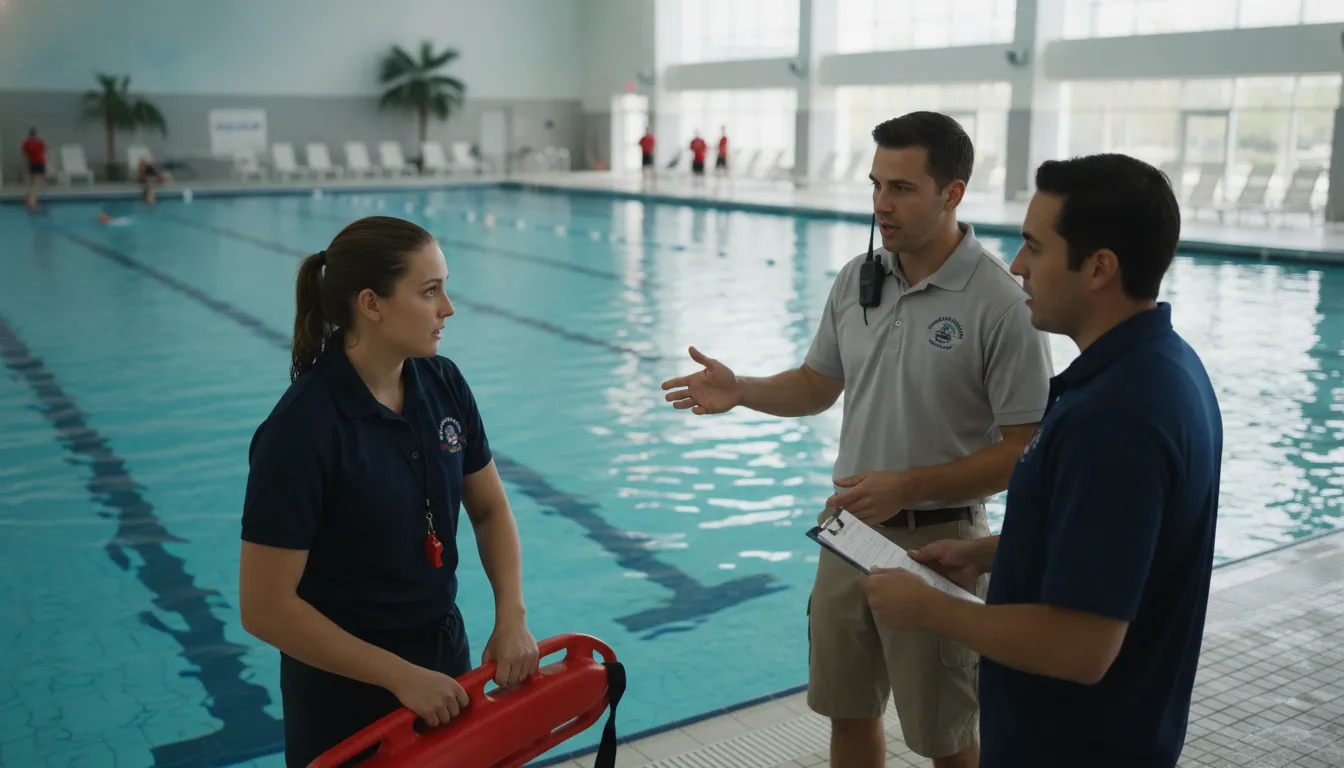
An alert is most useful when every person who receives it understands what it means. Before deployment, aquatics leaders should map the notification to the facility's existing emergency action plan, supervision zones, communication chain, and local requirements. The goal is to make the technology an intentional part of the response, rather than an isolated device that staff interpret differently under pressure.
Write the meaning of the entry signal into the emergency action plan. Define who maintains coverage, who supports the entering guard, who contacts emergency services when required, and who manages the facility, then train those roles without assuming the technology makes the decisions.
A practical procedure can answer the following questions:
- What event does the alert represent? State that a lifeguard tag submersion indicates a guard has entered the water or that the tagged equipment has been submerged. Avoid using the same phrase for a swimmer alert and a lifeguard entry alert.
- Who responds first? Identify the guards, supervisors, and support staff responsible for immediate actions. A receiving guard should know whether to maintain a zone, relieve the entering guard, bring equipment, or direct other swimmers.
- How is pool coverage maintained? The plan should account for the area left by the entering guard and the need to continue monitoring other swimmers. This is a supervision decision, not an automatic system function.
- When does the facility escalate? Define when staff call emergency services, notify management, request an automated external defibrillator, control access, or begin family and incident communications according to training and policy.
- What happens after the event? Assign responsibility for resetting equipment, checking the alert log, documenting the incident, and conducting a debrief. A post-incident review can reveal gaps in attachment, coverage, audio clarity, or role understanding.
The Centers for Disease Control and Prevention explains that operators should follow applicable local, state, tribal, or territorial pool codes and can consult the Model Aquatic Health Code as a resource. That guidance does not prescribe one brand or alert workflow. It reinforces the need to place any technology inside the facility's broader operating, training, maintenance, and emergency framework.
Read about the CDC Model Aquatic Health Code and have the appropriate facility leaders confirm how local requirements affect the plan.
Build a Rescue-Ready Alert Plan
How can teams train with the alert sequence?
Training should cover the physical use of the tag and the decisions that follow the signal. A short demonstration is not enough if staff have never practiced maintaining coverage, sharing information, and escalating a response while a guard is in the water. Repetition helps the alert become a familiar part of the facility's operating rhythm rather than a surprising sound or vibration.
Train the complete sequence, from tag placement to post-incident review. Staff should practice recognizing the alert, protecting supervision coverage, communicating roles, and resetting the system without treating a drill as evidence that every real event will have the same result.
Start with a controlled walkthrough during a time when the pool can be safely managed. Show guards where the tag attaches, how the bracelet feels, which facility alert is heard or seen, and how the hub records or communicates the event. Confirm that the signal is distinguishable from unrelated alarms and that staff know what to do if a tag is removed, damaged, low on battery, or attached to the wrong piece of equipment.
Next, run role-based drills. One person acts as the entering guard, another maintains the assigned surveillance position, and a supervisor observes whether the communication chain works. Rotate roles so the facility does not depend on one experienced employee. After each drill, ask where anyone hesitated, whether the alert was heard or felt, and whether the written procedure matched what staff actually did.
WAVE's Hub Management Software service guide describes equipment status, battery monitoring, alert configuration, user management, and activity logging capabilities. Operators should use the tools available in their configuration to support maintenance and review. They should also retain ordinary checks, equipment inspections, staff training records, and incident documentation required by their own policies.
Which safety systems can work alongside an entry alert?
A lifeguard entry alert is one component of a layered aquatic safety program. Facilities still need trained staff, active surveillance, rescue equipment, clear communication, emergency procedures, and routine maintenance. Additional technology can support different moments in the workflow, but combining tools does not remove the need to define their separate purposes.
Use each safety layer for the job it is designed to support. Lifeguard tags communicate a guard's water entry, swimmer wearables help flag prolonged submersion, and facility procedures coordinate people, equipment, and emergency escalation.
| Layer | What it supports | What staff still own |
|---|---|---|
| Active supervision | Observation, scanning, zone coverage, and swimmer awareness | Judgment, recognition, and immediate action |
| Lifeguard entry alert | Communication that a tagged guard has entered the water | Role assignment, coverage, rescue technique, and escalation |
| Swimmer wearable alert | Notification after a configured submersion period | Assessing the swimmer and deciding the appropriate response |
| Facility emergency plan | Communication chain, access control, equipment, and emergency services | Training, policy, documentation, and post-event improvement |
The peer-reviewed evaluation of the WAVE Drowning Detection System described the technology as something that may supplement lifeguard monitoring of groups of children in pools. That distinction is important for responsible implementation. A facility should evaluate how the alert complements its people and procedures, not treat it as a substitute for them.
For a broader overview of available equipment, visit WAVE's products page. The page can help operators see how the GUARDian Hub, lifeguard tags, bracelets, and swimmer equipment fit into the wider system without confusing a product overview with a completed facility response plan.
What should operators evaluate before choosing an alert system?
Facilities should evaluate the alert in the environment where it will be used, not only in a product demonstration. Pool size, indoor or outdoor operation, water conditions, staffing patterns, noise levels, equipment attachment points, and emergency procedures all affect whether the signal will be practical. The best choice is the one that staff can understand, maintain, and use consistently within the facility's actual workflow.
Evaluate the full operating experience: trigger, notification, coverage, maintenance, training, and review. A lifeguard entry alert is valuable when it closes a defined communication gap and remains dependable enough for staff to include in normal drills and procedures.
- Trigger fit: Can the tag attach securely to the guard's normal clothing or rescue equipment without interfering with movement?
- Notification fit: Can guards feel the bracelet and can appropriate facility staff hear or see the broader alert in the real pool environment?
- Workflow fit: Does the signal have a clear meaning and an assigned response in the emergency action plan?
- Maintenance fit: Can the team monitor battery status, inspect tags and bracelets, and identify equipment that needs attention?
- Training fit: Can new and returning staff learn the sequence and practice it without creating confusion with other alarms?
- Evidence fit: Can leaders review events, drills, or system activity to improve procedures while respecting their privacy and recordkeeping obligations?
- Expansion fit: Can the solution support additional swimmer monitoring or facility needs if the operator later chooses to add another layer?
WAVE positions the GUARDian Lifeguard Alert Bundle as an accessible way to add automatic lifeguard entry communication to a supervised aquatic environment. Operators can review the current subscription options and request a facility-specific discussion rather than assuming that one bundle or configuration fits every site. Pricing, equipment quantities, and deployment details should be confirmed against the current live offer before a purchase decision.
Frequently asked questions about lifeguard entry alerts
These questions address the operational basics that aquatics directors and facility operators commonly need to clarify. The answers describe the role of an alert in a supervised environment, not a guarantee of response time or rescue outcome. Facilities should confirm product configuration, local requirements, and procedures with their qualified safety leaders.
A lifeguard entry alert is a communication layer for a supervised aquatic facility. It can help the team recognize when a tagged guard enters the water, but trained lifeguards, active supervision, emergency procedures, and responsible facility leadership remain essential.
What triggers a lifeguard entry alert?
A waterproof lifeguard tag triggers the alert when it is submerged as the guard enters the water. With WAVE, the tag communicates through the GUARDian Hub, which can notify other guards through bracelets and provide facility audio or visual alerts based on the configured system.
Does an entry alert replace a lifeguard?
No. An alert supports lifeguards and facility staff by communicating a defined event. It does not replace trained supervision, rescue judgment, emergency action plans, or the people responsible for carrying them out.
Where can a lifeguard tag be attached?
WAVE describes the GUARDian Lifeguard Tag as attachable to lifeguard clothing, a rescue pouch, an armband, or a lifeguard buoy. The facility should select and test an attachment point that is secure, practical, and consistent with its equipment and training.
How is a lifeguard entry alert different from a swimmer alert?
An entry alert communicates that a tagged lifeguard or tagged rescue equipment has entered the water. A swimmer alert uses a swimmer wearable and a configured submersion period to help notify guards that a swimmer may need attention. They can be complementary, but staff should be trained on the different meanings.
Can an alert system improve a facility's emergency response plan?
It can support the communication portion of a plan when roles, coverage, escalation, training, and maintenance are clearly defined. The facility must decide how the signal fits its own procedures and local requirements, then verify the workflow through drills and post-incident review.
