
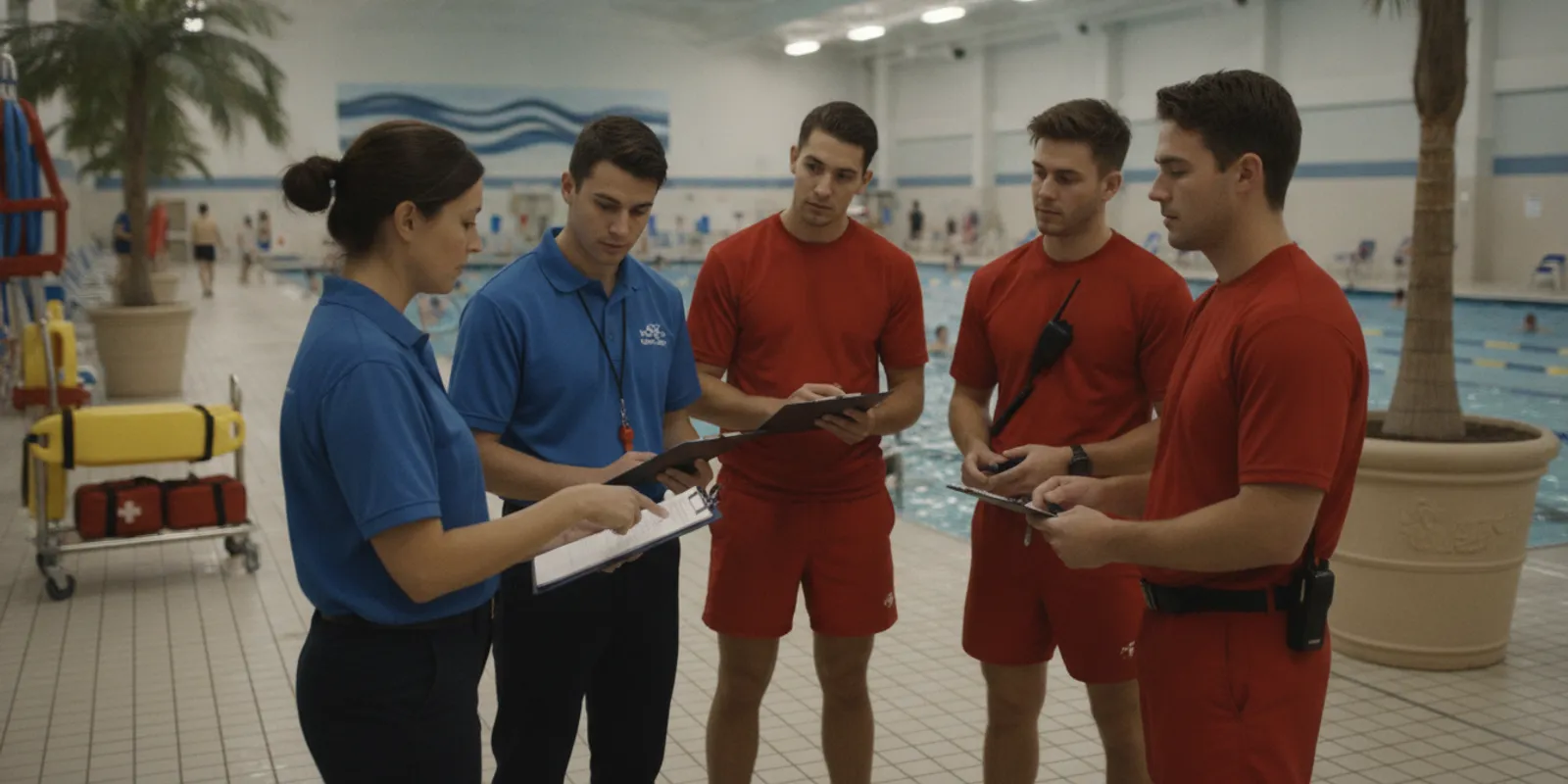
A pool safety technology business continuity plan helps an aquatic facility keep people, procedures, and communication organized when a device, network connection, power source, or monitoring workflow is unavailable. The plan does not assume that technology will work perfectly at every moment. Instead, it defines what staff do before, during, and after an interruption so leaders can make careful operating decisions.
A continuity plan is an operating framework, not a promise of uninterrupted protection. It combines active lifeguard supervision, clear escalation, documented downtime, equipment checks, and a controlled return to service so a facility can respond consistently when conditions change.
Why does a pool safety technology business continuity plan matter?
Aquatic facilities depend on coordinated work. Lifeguards scan assigned zones, supervisors manage coverage, front-desk or security staff communicate with leaders, and managers decide whether an activity can continue. A safety technology system can add useful detection and alerting, but the facility still needs a process for moments when that added layer is unavailable.
Interruptions have many causes. A wearable may need replacement. A hub may require service. A facility may lose power or connectivity. Renovation, severe weather, a schedule change, or a move to another body of water may change how the system can be used. A continuity plan gives each situation a defined response instead of leaving staff to improvise.
The plan also protects consistency between shifts. A morning supervisor should be able to explain the current status to an afternoon supervisor without relying on memory. That requires a short handoff, an accessible log, and a defined person responsible for the next action. It also gives senior leaders a way to distinguish a technical interruption from an incident that requires a separate emergency or incident response.
For broader context on how drowning and water-safety research can draw from multiple official and operational sources, facilities can review the Swimdo research plan on drowning and water safety. It is not a substitute for local procedures or professional training, but it illustrates why consistent information and incident documentation matter.
What should the continuity plan cover?
A useful plan starts with the facility’s actual operating environment. List pools, lakes, splash areas, deck zones, entrances, staff posts, and communication points that matter during a normal program. Then identify where technology is used and what staff expect it to do. A plan written without this site-level view may sound complete but fail when a supervisor has to use it during a busy shift.
For a WAVE deployment, the review may include the GUARDian Hub (w3000), lifeguard tags, AquaSense swimmer wearables, vibrating staff alerts, facility alerts, and Hub Management Software (HMS). Describe the intended workflow in plain language rather than assuming every employee knows the product vocabulary. Include a simple diagram or zone map if more than one water area is covered.
Record the following in one controlled location:
- Which water areas and swimmer groups are covered by the system.
- Which staff members receive alerts and who supervises their response.
- Where replacement equipment, chargers, tags, instructions, and support details are kept.
- What conditions trigger a temporary change in operations or a pause in an activity.
- Who can contact technical support, facility leadership, ownership, or risk management.
- How an outage, false alert, missed alert, repair, and return-to-service test are documented.
- Which version of the plan is current and where the next review date is recorded.
Keep the technology plan aligned with the facility’s emergency action plan, aquatic-guarding procedures, weather policy, opening checklist, and local requirements. It should support those documents, not replace them. The WAVE FAQ can serve as a product-information reference while the facility creates procedures specific to its staff and site. The facility’s own approved policies remain the authority for supervision and emergency decisions.
Define normal, degraded, and unavailable operation
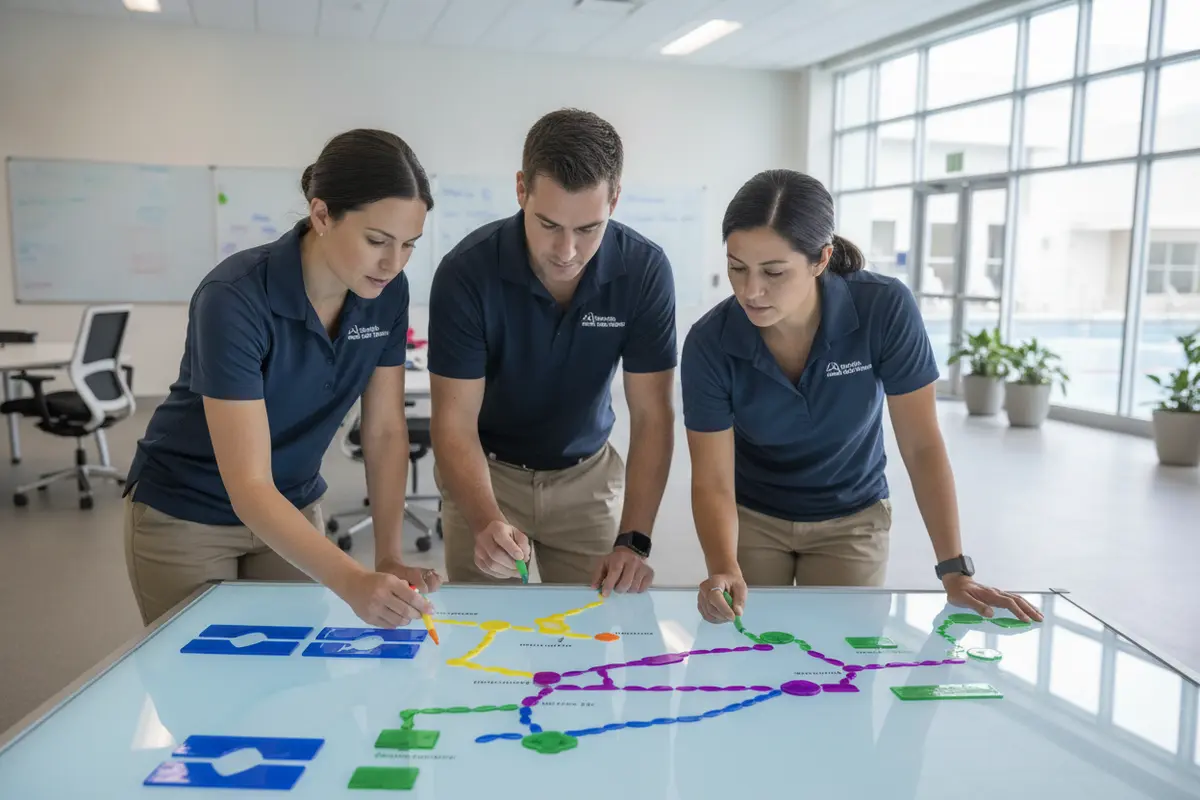
Many plans fail because they use only the word “down.” A more useful approach defines operating states. In normal operation, the system is available, staff know their assignments, and routine checks are current. In degraded operation, part of the system is available but coverage, communication, or equipment capacity has changed. In unavailable operation, staff cannot rely on the technology for alerts or monitoring.
Write observable signs for each state. Examples include a hub health notification, missing wearable data, a device that will not power on, loss of facility audio, or failure to complete a scheduled test. Staff should know who confirms the status and who authorizes the next operating decision. Avoid asking a frontline employee to decide alone whether a technical issue is minor enough to ignore.
For each state, define four things: the immediate supervision action, the message to staff, the person who owns recovery, and the record that must be created. This turns a broad policy into a usable decision aid. It also prevents a short communication failure from being treated the same way as a complete loss of alerts across a facility.
A continuity plan is easier to follow when it uses three clear states: normal, degraded, and unavailable. Each state should have a responsible decision-maker, a supervision adjustment, a communication message, and a documentation requirement.
How should staff supervise during an interruption?
The first priority during a technology interruption is active supervision. Lifeguards should continue to follow their training, assigned zones, scanning practices, rotation procedures, and emergency action plan. A technology outage is not a reason to assume that an area is safe without direct observation.
Supervisors should immediately confirm who is watching each zone. If a staff member is pulled away to troubleshoot, another qualified person must be assigned to that area. If coverage cannot be maintained, the responsible leader should follow the facility’s established process for changing the activity, restricting an area, or temporarily closing it. Technology troubleshooting should never quietly create an uncovered zone.
Do not make a vague announcement such as “watch more closely.” Give staff a specific temporary assignment. Identify the pool or zone, observer, start time, supervisor, and condition that ends the temporary arrangement. This makes the adjustment observable at the next shift handoff and gives the next supervisor a clear starting point.
Use the interruption as a reason to simplify the operating picture. Remove nonessential tasks from the affected period, confirm that radios or other approved communication tools work, and keep the supervisor visible and reachable. If the facility operates several water areas, document how attention will be prioritized without suggesting that one zone can be left unobserved.
Consider a worked example. If the system becomes unavailable during a lesson in the shallow pool, the supervisor can record the time, confirm direct coverage, notify the instructor and front desk, and decide whether the lesson continues under approved procedures. If the issue affects several zones during open swim, the leader may need a broader operational decision. The plan should tell staff where that decision belongs; it should not preauthorize an unsafe shortcut.
What should the backup communication plan include?
Alert delivery is useful only when people understand what to do next. A continuity plan should name the primary communication path and at least one approved backup path. Depending on the facility, that may include lifeguard communication equipment, a supervisor’s radio, a phone extension, a front-desk notification, or an in-person runner.
Keep messages short and consistent. A useful outage message identifies the affected area, current operating state, temporary supervision instruction, and person coordinating recovery. The message should not imply that an incident occurred if the issue is only a technical interruption. At the same time, staff should know what language to use if an actual emergency begins during the outage.
For hotels, resorts, or water parks that may have security, front-desk, or attendant teams in the response chain, include those roles in training and drills. The purpose is to improve the speed and clarity of staff response, not to claim that technology or non-aquatic staff replace trained lifeguards. Each role should know what it may communicate, what it must escalate, and which aquatic leader makes operating decisions.
| Operating state | Supervision action | Communication action | Documentation |
|---|---|---|---|
| Normal | Follow assigned zones and routine procedures. | Confirm routine alerts and shift handoff. | Record scheduled checks and exceptions. |
| Degraded | Confirm affected zones and add or reassign qualified coverage. | Notify the supervisor and relevant response roles. | Record condition, time, decision, and owner. |
| Unavailable | Use direct supervision procedures and assess whether operations can continue. | Issue a clear temporary operating message. | Open a downtime record and track recovery steps. |
| Recovery testing | Keep backup coverage until the test is complete. | Tell staff when normal alerts are verified. | Record test results and authorization to resume normal use. |
Which equipment and workflows need a backup?
Continuity planning should examine the complete alert path, not only a wearable or central device. Start at the point where an event or condition is detected. Trace the signal to the hub, software, staff alert, supervisor, and response documentation. A failure at any point can change what staff can rely on.
For WAVE users, the GUARDian Hub is part of that system review. Facilities should also understand the roles of lifeguard equipment and swimmer equipment in their operating procedures. The continuity document should state what staff check, what they do if a component is unavailable, and who confirms a repair.
Ask practical questions about the whole workflow:
- Can staff identify which devices are active before opening?
- Is there a known location for replacement tags or wearables?
- Do staff know how to identify a low battery, missing connection, or failed health check?
- Can the facility maintain direct supervision if the alert path is interrupted?
- Who decides whether a program or water area changes during the interruption?
- How will staff avoid returning an unverified device to service?
- Are instructions available at the point of use rather than only in a manager’s office?
- Does the inventory show which equipment is assigned, spare, under review, or out of service?
A backup is not always another piece of technology. It may be a staffing adjustment, a documented radio procedure, a manual check, or a temporary operational restriction. The right choice depends on the facility, its water environment, staffing, and approved procedures. A backup should be realistic on the busiest day, not merely possible on paper.
How do facility type and water environment change the plan?
A municipal pool may need a plan that coordinates several shifts, public announcements, admissions, and a supervisor’s decision about lane or program changes. A school or camp may need to account for group leaders, scheduled transitions, and a narrow window between activities. A water park may need a broader message path that includes operations, guest services, and security.
Supervised natural-water locations also require a site-specific review. A facility may have different zones, changing visibility, variable connectivity, or longer distances between staff posts. The continuity plan should identify those conditions without assuming that a process written for a compact pool transfers unchanged. WAVE’s overview of how the system works can help leaders discuss the intended technology workflow, but local leaders must determine how it fits their environment.
How can facilities test and document continuity?
Testing should happen before a real interruption. Include a short continuity check in onboarding, seasonal preparation, refresher training, and shift-lead development. The goal is not to create a complicated drill. It is to verify that people can recognize a problem, communicate it, protect supervision, and record what happened.
Begin with a tabletop exercise. Give the team a realistic scenario, such as a hub notification before opening, a missing wearable during a program, or a loss of connectivity during a busy period. Ask the supervisor to identify the operating state, affected area, temporary coverage plan, communication message, and recovery owner. Ask a second person to perform the handoff so the team tests continuity between shifts.
Next, test the physical and procedural elements approved for the facility. Confirm that staff can locate instructions and equipment. Verify the assigned communication path. Check that a supervisor can explain when normal operation resumes. Do not create an unapproved live-water test or interfere with an active program merely to test a device.
Keep a simple record with these fields:
- Date, time, location, and activity status.
- System component or workflow involved.
- Person who noticed or reported the issue.
- Temporary supervision and communication steps.
- Technical contact, ticket, or internal owner.
- Test result, corrective action, and return-to-service authorization.
- Person who updated the next shift and the time of that handoff.
Review the record for patterns. Repeated low-battery notices, unclear ownership, missing instructions, or missed handoffs may show a process problem even when equipment itself works. Share only the information necessary with the right roles, and follow the facility’s privacy and incident-reporting policies. A continuity record should help leaders improve the process without becoming a substitute for a formal incident report when one is required.
Use a simple scoring discussion after each exercise: What did staff recognize quickly? Where did they wait for permission? Which message was misunderstood? Could a new employee find the backup instructions? Did the supervisor know when to authorize recovery? These questions produce specific improvements, such as moving a checklist, clarifying a role, or adding a handoff field.
What should happen during recovery?
Recovery is more than powering a device back on. The responsible person should confirm the affected component, complete the approved check, and verify that the expected alert or status reaches the intended staff member. A system that appears powered on but has not completed a functional check should remain in a defined recovery state.
Keep temporary supervision in place until the designated leader authorizes a return to normal operation. Tell every affected shift what changed and what was tested. If a repair or replacement changes equipment assignments, update the local inventory and instructions. If the cause is uncertain, record that uncertainty rather than treating a restart as proof that the underlying issue is resolved.
After the event, hold a brief review. Ask what staff observed, whether the response message was clear, whether coverage remained adequate, and what should change before the next program. Avoid using the review to assign blame. The aim is to make the next interruption easier to recognize and manage.
Facilities can review current product and service information through the WAVE pricing page and compare the selected configuration with their continuity assumptions. Pricing, plan terms, and equipment details should be confirmed with WAVE before a purchase or renewal decision. A continuity review may reveal a need for additional training, spare equipment, clearer ownership, or a different coverage approach; it should not be used to promise that any system removes all risk.
How should leaders review the plan each season?
A continuity plan can become outdated when staff, schedules, water areas, or technology configurations change. Set a calendar review before the busiest operating season and after major changes. Include an aquatics leader, frontline supervisor, technical or facilities contact, and risk or operations representative when appropriate.
Check that the plan still names current roles and working contact paths. Walk through a normal opening check, a degraded condition, an unavailable condition, and recovery. Confirm that new employees receive the plan and that returning seasonal staff practice the parts they will use. If a location operates year-round, choose a recurring review interval rather than relying on a seasonal reminder.
Leaders should compare the plan with broader water-safety resources. The aquatic emergency action plan guide offers a related planning resource, while WAVE’s support and help center can help teams locate current product assistance. For general pool-environment controls, the pool and water safety guide discusses measures such as controlled access; those measures complement, rather than replace, a technology continuity plan.
Before approving the next revision, ask whether a person working an ordinary shift can answer five questions without searching: What state are we in? Which zones are affected? Who is supervising? Who is communicating? What must be verified before normal operation resumes? If the answer to any question is unclear, the plan needs another edit or practice session.
The strongest continuity plan is practical enough for a busy shift. It names the affected zone, protects direct supervision, gives staff one clear message, assigns an owner, records the decision, and requires a verified check before normal technology use resumes.
Frequently Asked Questions
Does a continuity plan replace lifeguard supervision?
No. A continuity plan supports the facility’s existing supervision, emergency action, and staffing procedures. WAVE technology is an additional layer that can help alert staff; it does not replace trained lifeguards or the decisions of qualified aquatic leaders.
What should staff do if a safety technology alert is unavailable?
Staff should follow the facility’s defined unavailable-operation procedure. That normally includes confirming affected zones, maintaining direct supervision, notifying the responsible supervisor, adjusting operations when approved, and documenting the issue. The exact response should match local training and facility policy.
How often should a facility test its continuity process?
Review and practice the process during onboarding, seasonal preparation, refresher training, and after material changes to staffing, equipment, or water areas. A facility should also review it after an actual interruption or recovery event and record any corrective action.
Can a backup be a manual procedure rather than another device?
Yes. A backup may include direct observation, a supervisor check, a radio procedure, a staffing change, or a temporary operating restriction. The backup must be clear, approved, and realistic for the facility’s people and water environment.
What should be documented after an outage?
Record the time, affected component or workflow, operating state, temporary supervision steps, communication, responsible owner, technical action, test result, and authorization to resume normal operation. Follow the facility’s privacy, incident, and records policies.
Should a facility keep operating when technology is unavailable?
There is no universal answer. The responsible aquatic leader should follow the facility’s approved procedures, assess staffing and supervision, and decide whether the activity can continue, change, or pause. The continuity plan should make that decision path clear without promising that operations can always continue.
A thoughtful continuity plan helps aquatic leaders keep supervision organized, communicate clearly, and restore technology carefully when conditions change.
