
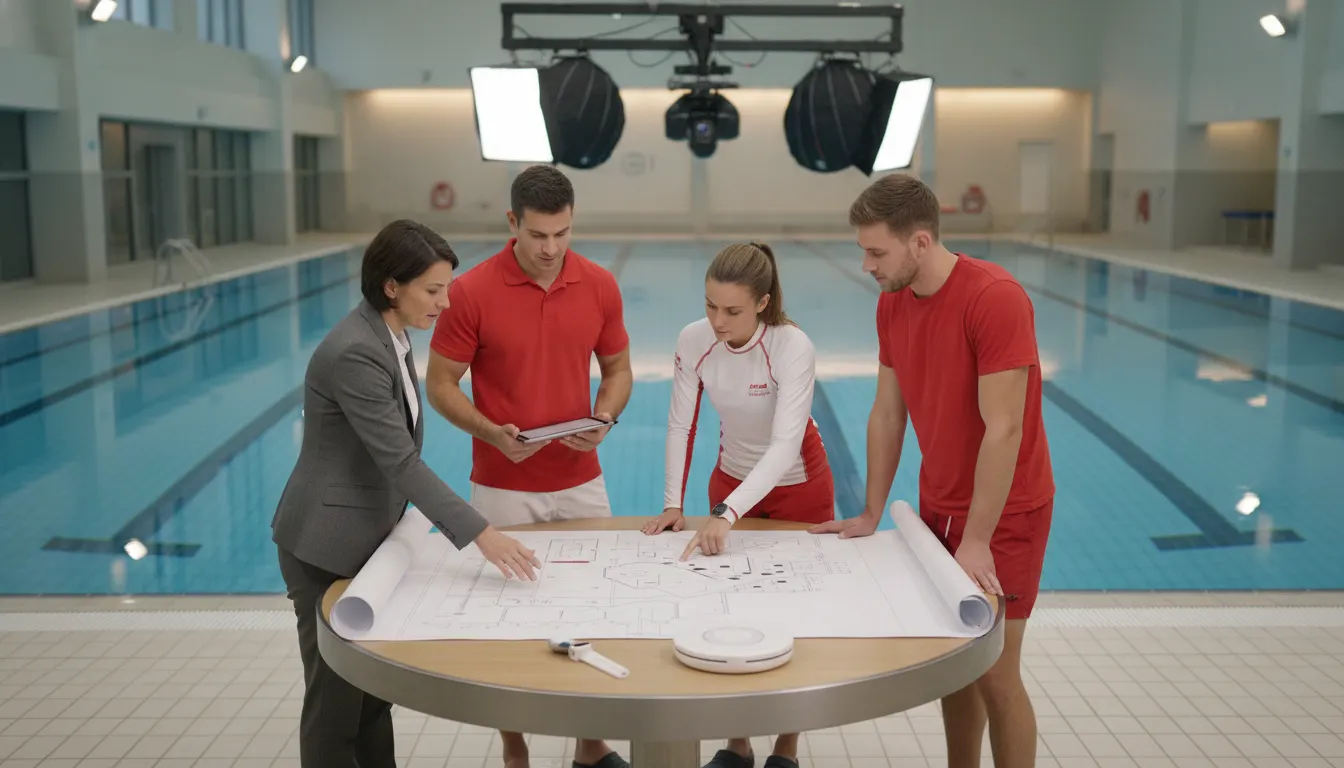
Facilities searching for a Poseidon drowning detection alternative should start with the job the system must perform, not with a feature checklist. Poseidon presents a camera-based approach for swimming pools, while WAVE offers a wireless, wearable approach that supports lifeguards with another layer of protection. The right choice depends on water conditions, physical deployment, alert routing, staff workflow, and total ownership cost.
How to Evaluate a Poseidon Drowning Detection Alternative
A drowning-detection system should help trained staff recognize a possible emergency and begin the facility's existing response plan as quickly as possible. It should fit the water areas being supervised, work with the facility's staffing model. And create alerts that people can hear, see, or feel in the places where they work. It also needs a routine for testing, maintenance, training, and incident review.
That means an alternative is not automatically better because it uses newer software, more sensors, or a different type of alert. It is a better fit only when it reduces a meaningful operational gap without introducing a larger one. A pool that needs visual location information may prioritize one set of capabilities. A facility with changing layouts, multiple bodies of water, or limited construction flexibility may prioritize another.
A Poseidon alternative should be evaluated as a complete safety-layer decision: how the system detects a possible emergency. What conditions it depends on, who receives the alert, how staff respond, and what the facility must maintain. No drowning-detection technology replaces trained lifeguards or active supervision.
Keep the goal specific: improve awareness and response support in supervised aquatic environments. The Centers for Disease Control and Prevention describes drowning as a process involving respiratory impairment from submersion or immersion, with both fatal and nonfatal outcomes. Technology can support a response plan, but it cannot remove the need for supervision, training, rescue readiness, and layered prevention practices. Facilities can also use the Consumer Product Safety Commission's Pool Safely resources when reviewing broader pool-safety responsibilities.
How does Poseidon work, and what should a buyer verify?
Poseidon's official site describes a computer-vision system that monitors swimming pools with cameras and alerts staff when it detects a potential drowning. For shallow pools, Poseidon says it uses dual overhead cameras to monitor down to a depth of 2.5 meters. For deeper pools, it describes underwater camera units mounted on pool walls, with a combined 180-degree field of vision.
Poseidon also states that its system can alert within 10 seconds and indicate the swimmer's position. The site describes an alarm when a person has been motionless at the bottom of the pool for 10 seconds. These are published vendor claims, not a substitute for a facility-specific demonstration. Buyers should test the system under the lighting, occupancy, water movement, reflections, and viewing angles present during actual operations.
Ask the vendor to document the complete detection path rather than showing only a successful demonstration. The facility should understand what the cameras see, what the software classifies. How an alert is confirmed, where the location appears, and how staff know what action to take. The evaluation should also cover what happens when a camera, network connection, display, or other component is unavailable.
Poseidon is designed around camera visibility and visual location in a defined pool environment. Its published shallow-pool and deep-pool configurations give buyers a clear starting point for a site survey. The critical next step is validating coverage and alert handling in the facility's real operating conditions.
- Coverage: Which lanes, corners, depths, ledges, and activity zones are included?
- Visibility: How do lighting changes, glare, water movement, and swimmer density affect the view?
- Installation: Which overhead or underwater camera locations, power, network, and pool modifications are required?
- Alert context: Where does the alert appear, and does it provide enough information for the responding team?
- Resilience: What is the documented behavior during a camera, network, or power fault?
Which deployment model fits the facility?
Deployment is often the difference between a promising demonstration and a practical safety program. A fixed camera system can make sense for a stable pool with a suitable physical layout. A defined construction budget, and a team that wants visual coverage of the water. The facility still needs to understand the installation schedule, pool access requirements, calibration, maintenance access, and any effect on operations.
Poseidon's official materials describe overhead cameras for shallow pools and underwater cameras for deeper pools. That architecture may fit a facility that wants a system designed around fixed pool geometry. It may be less aligned with an operator that needs to move equipment between seasonal sites, cover natural water, or avoid permanent construction. Those are not quality judgments about either approach. They are facility-fit questions.
WAVE's GUARDian system takes a different route. Its GUARDian Hub connects AquaSense swimmer wearables, lifeguard tags, staff bracelets, and facility alert equipment. The system is designed to deploy wirelessly without permanent construction and to support facilities across clear, dark, or murky water conditions. Review the GUARDian drowning detection system and WAVE's product overview to see how the alert sequence and equipment options connect swimmers, lifeguards, and staff.
Choose the deployment model that matches the water areas you actually supervise. Fixed cameras may fit a stable pool with validated sightlines and installation capacity. A wireless wearable system may fit facilities that need portability, less construction, or coverage that is not dependent on a camera viewing the swimmer.
| Evaluation area. | Poseidon-style camera approach. | WAVE wireless wearable approach. |
|---|---|---|
| Primary signal | Computer vision from pool cameras. | AquaSense wearables and lifeguard tags signal water status. |
| Site dependency | Camera placement, sightlines, power, network, and pool geometry. | Hub placement, device assignment, storage, and staff adoption. |
| Water-condition question | Can cameras maintain the required view? | Can wireless devices operate across water areas? |
| Portability | Usually evaluated as an installed site system. | Designed for wireless deployment and flexibility. |
| Best validation step | On-site survey and live visibility test. | Fit, assignment, alert, range, and response drill with staff |
How should staff alert workflows be compared?
Detection is only the first step. A facility should map the path from a possible event to the person who takes responsibility for the response. The alert must arrive in a form that staff can notice while scanning water, moving through a deck, coordinating a rescue, or supporting guests elsewhere in the building.
Poseidon describes an alarm and position information for lifeguards. During a demonstration, ask staff to practice the sequence from alarm to visual confirmation to rescue response. Measure whether the location information is immediately understandable, whether the alarm is noticeable in a noisy environment. And how the rest of the team learns that a rescue is underway.
WAVE's workflow links AquaSense swimmer wearables and lifeguard tags to the GUARDian Hub. Depending on the system configuration, alerts can include vibrating staff bracelets and spoken-word facility notifications. A lifeguard entering the water can also be part of the communication sequence through a lifeguard tag, helping other staff understand that a rescue is in progress. Read more about WAVE swimmer equipment and wearables and the Hub Management Software service guide before planning a device-assignment routine.
The most useful comparison is a live response drill, not a product presentation. Time how quickly the right staff member notices the alert, identifies the affected area or device, communicates with the team, and begins the existing rescue procedure. Then repeat the drill after a shift change and under realistic background noise.
- Define the alert owner for each water area and shift.
- Run a possible-swimmer-emergency drill with normal deck noise and occupancy.
- Test what happens when a lifeguard enters the water or another staff member needs support.
- Record false-alert handling, escalation, reset, and incident documentation steps.
- Repeat the drill after training, device reassignment, or a material system change.
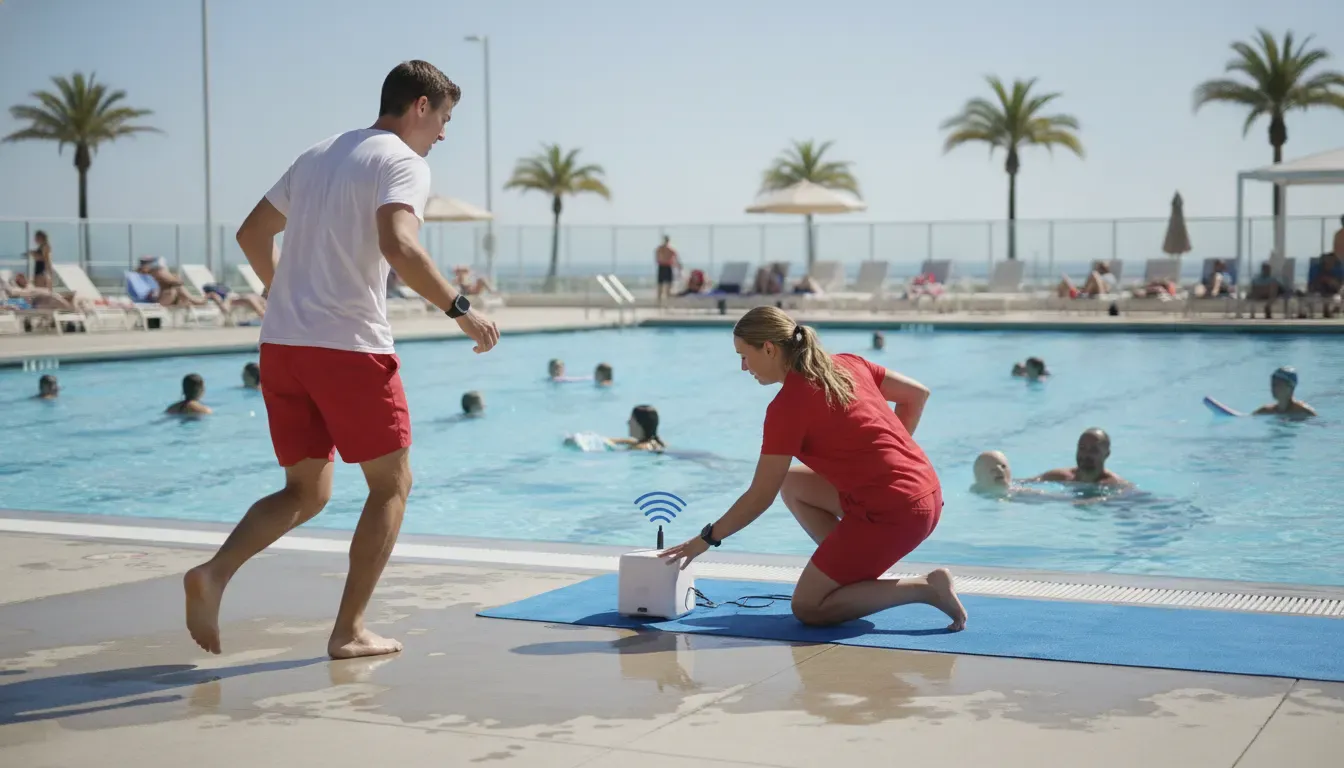
What belongs in total cost of ownership?
A fair alternative review goes beyond the first quote. Camera systems and wearable systems can place costs in different parts of the operating model, so facilities should compare the complete term rather than one equipment line. Include installation, construction coordination, network and power work, staff devices, storage, maintenance, software, training, service, replacements, and the cost of taking a pool offline if that is required.
Poseidon's official site presents a fixed monthly fee, included service during the rental period, no cash deposit, and free updates. The site does not publish a numeric monthly price on the page reviewed for this guide. Ask for a facility-specific proposal that states the rental term, included equipment, installation responsibilities, support coverage, replacement terms, and what happens when the agreement ends.
WAVE publishes subscription options for its GUARDian Lifeguard Alert Bundle and GUARDian Swimmer Protection Bundle on its current pricing page. The plans have different term and payment options, so facilities should compare the package, contract length, included equipment, and payment schedule that apply to their needs. WAVE states that its plans include 24/7 monitoring and a $0 deductible replacement warranty. Confirm current terms before budgeting because subscription pages can change.
Total cost should answer one practical question: what will the facility spend to deploy, operate, test, maintain, and replace the system over the full agreement? Compare the same time horizon and include labor, construction, training, support, and downtime, not just the hardware or monthly fee.
- Implementation: site survey, installation, network, power, pool access, and commissioning.
- Operations: device assignment, storage, cleaning, charging or battery management, and shift checks.
- People: initial training, new-hire training, drills, supervision, and incident review.
- Support: monitoring, software updates, maintenance response, replacement policy, and service levels.
- Continuity: backup procedures, system downtime, seasonal relocation, and contract renewal terms.
Which facilities may prefer a wireless alternative?
A wireless alternative can be worth evaluating when the facility's most important constraint is not the absence of technology. But the mismatch between an installed camera design and the way the facility operates. Seasonal camps, municipalities with more than one water area, facilities with dark or murky water. And operators avoiding permanent construction may want to test a wearable model alongside a camera model.
WAVE is designed to support supervised aquatic environments with a force-multiplier approach. AquaSense devices and lifeguard tags add another signal to the staff workflow, while the GUARDian Hub and connected alerts help coordinate a response. That does not eliminate the need for lifeguards, visual scanning, emergency action plans, or regular drills.
A wireless approach also creates its own responsibilities. Staff need a clear policy for who wears or issues each device, how devices are inspected and stored. What happens when a wearable is missing, and how the facility confirms that an alert reaches the intended people. These are manageable requirements, but they should be included in the pilot plan rather than assumed away.
WAVE may be a strong alternative to evaluate when a facility needs wireless deployment, flexible placement, and another layer of support for lifeguards across water conditions. The decision should still be based on a live demonstration, a written response workflow, and a complete operating-cost review.
What should an aquatic facility do next?
Start with a written requirements sheet and ask every vendor to respond to the same questions. Include water depth and visibility, pool shape, staff positions, alert destinations, construction limits, seasonal changes, training capacity, maintenance expectations, and total agreement cost. A consistent scorecard makes the decision easier to explain to executives, risk managers, procurement teams, and frontline staff.
Next, run a facility-specific demonstration. For Poseidon, validate overhead or underwater camera coverage, position information, alarm recognition, and the response plan. For WAVE, test device fit, submersion and water-entry alerts, staff bracelets, spoken notifications, hub placement, and the handoff from alert to rescue. Invite the people who will actually operate the system, not only the project sponsor.
Finally, choose the technology that closes the most important gap while fitting the facility's people, water, budget, and procedures. The objective is not to replace supervision with a device. It is to build a layered, repeatable safety program that gives trained staff useful information and a practiced path to action.
An effective next step is a side-by-side pilot using the same scorecard for every vendor. Test detection, alert delivery, staff acknowledgment, response steps, maintenance, and failure procedures, then compare the complete agreement cost. Choose the system that closes the largest operational gap without weakening supervision or response ownership.
Build a Drowning Detection Plan for Your Facility
Frequently asked questions
Is Poseidon a camera-based drowning detection system?
Yes. Poseidon's official site describes overhead cameras for shallow pools and underwater camera units for deeper pools. It says the system monitors the pool, detects a potential drowning, and alerts staff with position information. Facilities should validate those capabilities on site under representative lighting, occupancy, water movement, and operating conditions.
What is the best Poseidon drowning detection alternative?
There is no universal best option. A camera-based system may fit a stable pool with validated sightlines and a defined installation plan. A wireless wearable option such as WAVE may fit a facility that needs portable deployment. Coverage across changing water areas, or a detection approach that is not dependent on a camera viewing the swimmer.
Can a drowning-detection system replace lifeguards?
No. Drowning-detection technology is an additional layer of protection for supervised aquatic environments. It should support trained lifeguards, active scanning, emergency action plans, rescue equipment, drills, and clear staff ownership. A vendor that frames technology as a replacement for lifeguards is not describing a safe operating model.
Does WAVE work in murky or dark water?
WAVE's wireless wearable approach is designed to work across clear and dark or murky water conditions because its detection model is not dependent on a camera seeing the swimmer. Facilities should still test the system in the specific water areas, range conditions, and staff workflows where it will operate.
How should facilities compare Poseidon and WAVE costs?
Compare the full agreement term, including installation, construction, equipment, monitoring, software, maintenance, training, replacements, staff time, downtime, and renewal terms. Poseidon publishes a fixed monthly rental model without a numeric price on the page reviewed. WAVE publishes current subscription tiers on its pricing page. Request written proposals that use the same scope and time horizon.
What should be included in a drowning-detection demonstration?
Ask for a live drill that covers detection, alert delivery, location or device identification, staff acknowledgment, rescue escalation, reset, incident logging, and equipment failure procedures. Repeat it with normal noise, representative occupancy, different shifts, and the actual people who will operate the system.
Sources: Poseidon official technology overview, CDC Drowning Facts, and the CPSC Pool Safely resource.
