
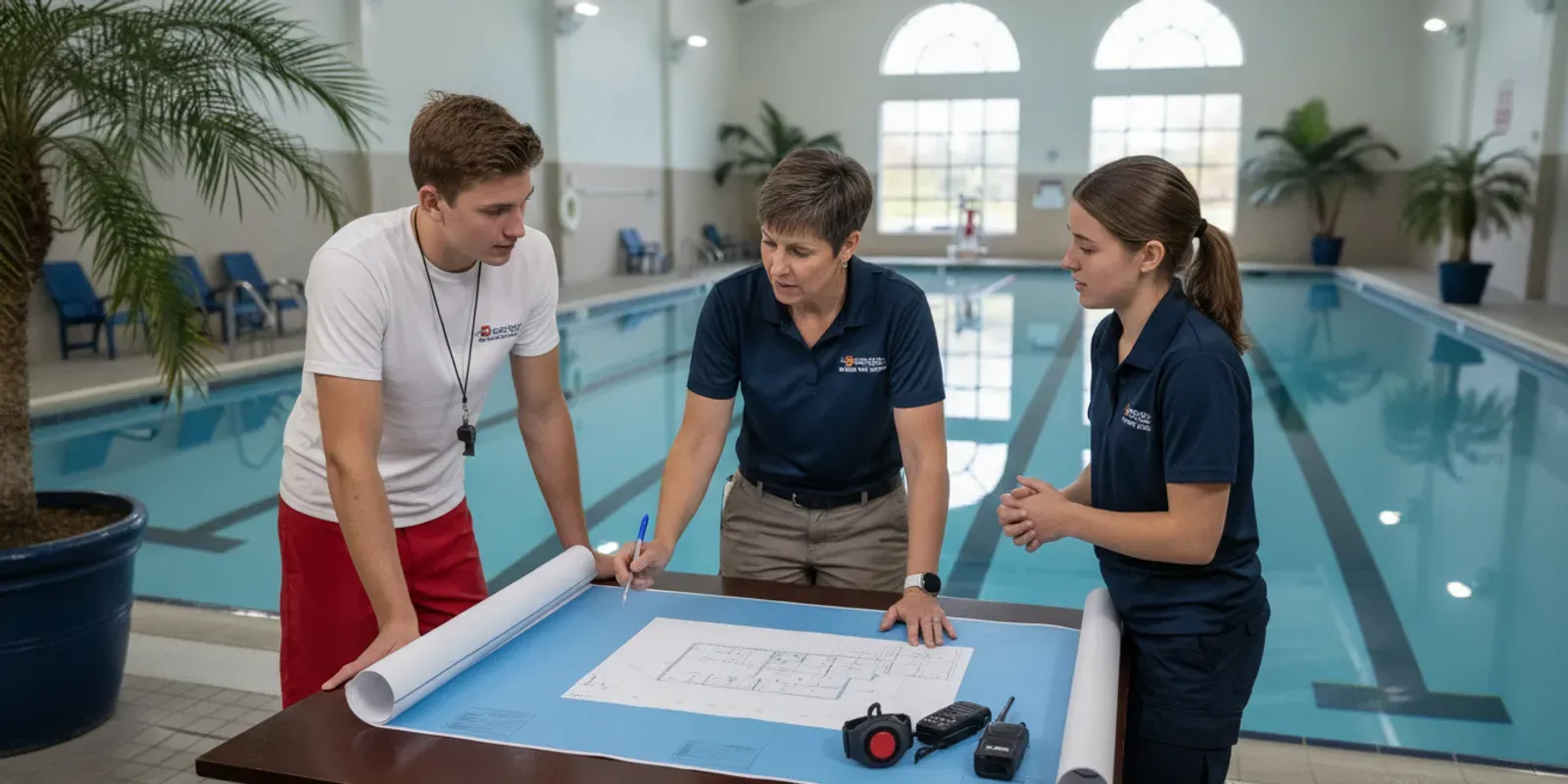
Quick answer: Implementing a lifeguard alert system means defining zones, assigning devices, training staff, setting response steps, and testing the full alert path before go-live. Build the response around the 10/20 standard lifeguards already train to: 10 seconds to scan a zone and 20 seconds to reach a swimmer in distress.
A lifeguard alert system implementation checklist helps aquatics directors turn safety technology into a clear, practiced part of facility operations. The work is not just choosing equipment. Teams also need to define zones, assign devices, train staff, set response steps, and test the full process while keeping active supervision at the center.
What should a lifeguard alert system implementation checklist cover?
A useful implementation plan connects the alert to a person, a place, and a response. Define which risks and operating conditions the system is intended to support, who receives each alert, what staff do next, and how readiness will be checked. The alert is an added layer in a supervised safety plan, not a replacement for lifeguards.
Before comparing equipment, document how the facility currently supervises swimmers and handles emergencies. Include the people who will use or respond to the system: aquatics leadership, guards, supervisors, maintenance or technology staff, and any other designated responders. The purpose is to build a workflow staff can execute during ordinary operations and changing conditions.
Use this checklist as a working document rather than a one-time signoff:
- Scope: Identify the pools or supervised water areas in the project and the operational situations the alert layer is meant to support.
- Coverage: Sketch the water, deck, entrances, guard positions, and relevant operating zones.
- Roles: Name the person responsible for devices, alerts, response coordination, and system readiness on each shift.
- Workflow: Write down what recipients do when an alert occurs, including who takes lead and how the situation is communicated.
- Readiness: Set up onboarding, practice, checks, escalation, and review after tests or real events.
Keep the checklist specific to the facility. A single indoor pool, a multi-pool recreation center, and a supervised lake do not share identical layouts or operating routines. The goal is not to create a lengthy manual. It is to make responsibilities and actions unmistakable.
How should a facility map zones and assign devices?
Start with a current site map and the way staff actually move through the facility. Mark supervision zones, entry points, staff positions, and communication routes, then decide which people need which devices in each shift. Review the map with guards on deck so assignments reflect real operations, not only a floor plan.
Zone planning translates the facility layout into actionable assignments. Draw the pool or water area and label each body of water, deck boundary, access point, and staff location. Note where visibility, noise, distance, or a transition between spaces may affect how staff notice and respond to an alert. Treat these as planning prompts rather than assumptions about what a device can detect.
Next, define each zone in plain language. For example, a zone description might name a particular pool area and the staff position responsible for watching it. If the facility changes zones for lessons, open swim, or special events, record the different arrangements. A map should help a guard quickly answer: “Where am I responsible, who is nearby, and who coordinates if I need to act?”
Device assignment deserves the same care. Make a shift-based roster that identifies each assigned user, the device they receive, and the person responsible for issuing and collecting it. If the alert workflow includes lifeguard water-entry detection, identify which staff members use the relevant lifeguard tags and establish how that information is kept current. WAVE’s system combines wearable sensors with staff alerts, including vibrating bracelets and facility alerts; learn about the GUARDian Hub and the related lifeguard equipment as part of that operational review.
For swimmer wearables, decide how the facility will distribute, collect, and account for devices in the situations where they are used. Make the process understandable for staff and participants, and decide what staff should do if a device is missing or not available. WAVE’s AquaSense wearable is non-tethered and does not require daily recharging, but staff still need an assignment and readiness routine. See the AquaSense wearable information when evaluating that approach.
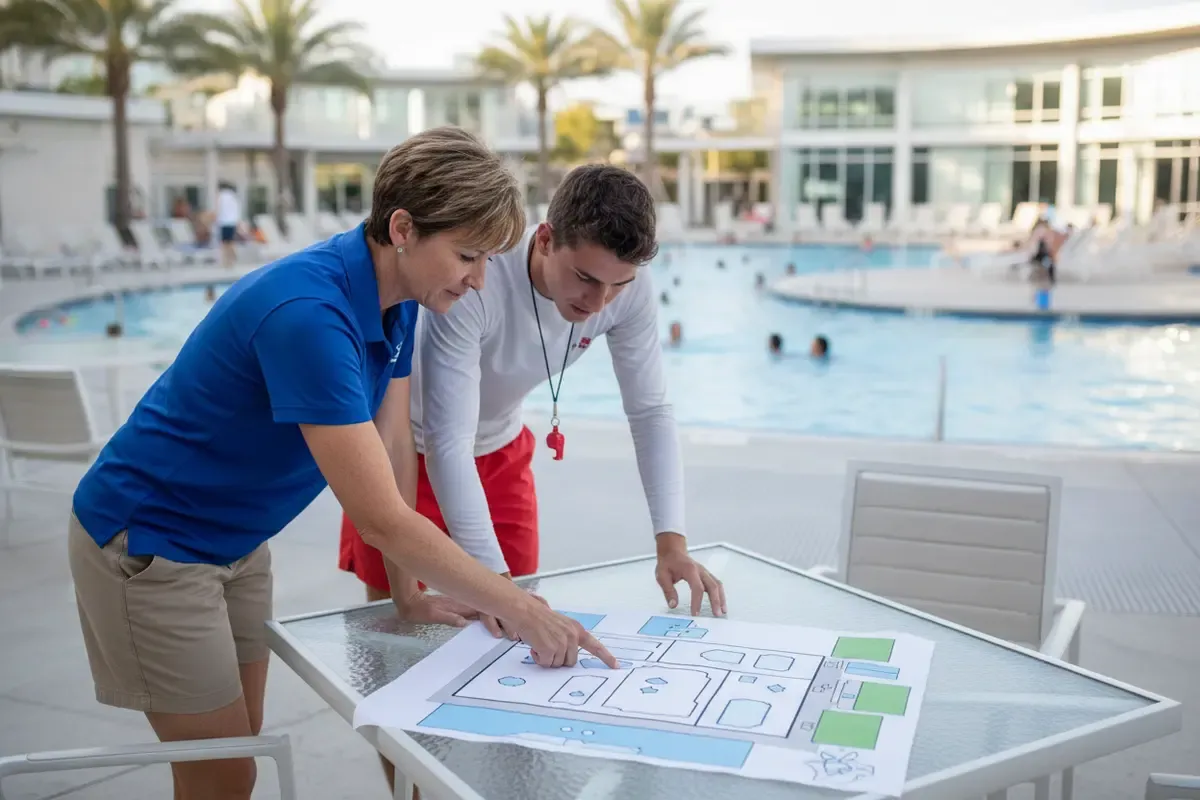
Use a short tabletop review to check the map. Ask guards from different shifts to trace who receives an alert in a sample scenario, where that staff member is likely to be, and how the rest of the team learns what is happening. Update labels and assignments if the map depends on insider knowledge or if staff reach different conclusions.
Which alert workflow and response roles need to be defined?
Technology only helps a team when an alert leads to a known action. Before launch, write an easy-to-follow response sequence: who acknowledges, who assesses and responds under facility procedures, who maintains other coverage, and who coordinates communication. Match every role to the facility’s emergency action plan and staffing model.
An alert protocol should answer practical questions without trying to replace the facility’s established emergency procedures. Specify what staff should do when an alert indicates possible prolonged submersion, when a lifeguard enters the water, or when an alert needs investigation. The correct actions depend on the situation and the facility’s approved emergency action plan. Do not assume that the alert alone confirms what happened.
Write the steps in the order staff need them. A response flow may include receiving and recognizing the alert, communicating the location or concern, following the established assessment and emergency procedures, coordinating other staff, and restoring appropriate supervision after the event. Keep the language direct. Identify who leads each step and who takes over if that person is unavailable.
Plan for alert recipients and the rest of the team. A designated receiver should know how to communicate the alert to the staff who need to act. Other guards should know whether they maintain existing coverage, assist, or follow another assigned role. Supervisors should know who is coordinating and how to request additional help under facility procedures. Avoid protocols that rely on one person improvising every decision.
Include communications beyond the water when appropriate to the facility. Decide who contacts management, facility operations, or emergency services under the established plan. Do not put sensitive medical or incident details on a public-facing channel. The RNLI Beach Lifeguard Service Implementation Guide is a reference for organizations thinking through lifeguard service implementation; adapt guidance to your own facility, jurisdiction, and approved procedures.
Finally, write a brief exception path. Staff should know whom to notify if a device is unavailable, an alert seems unclear, or the system is not operating as expected. The response to a system issue should be explicit: follow facility supervision and emergency procedures, notify the responsible supervisor, and apply the facility’s established interim controls until readiness is restored.
How can staff training make the alert useful in real operations?
Training should connect device use with the facility’s real response plan. Every user needs to understand their assignment, how alerts reach them, what actions are expected, and whom to tell about a problem. Practice should include routine handoffs and realistic scenarios, not just a demonstration that a device powers on.
Build training around job roles. Lifeguards need to understand their assigned device and how an alert fits with active scanning and their emergency responsibilities. Supervisors need to know how to coordinate the response, confirm assignments, and handle a readiness concern. Staff who support the system should know their boundaries and escalation path. New staff, substitutes, and staff moving between locations need an onboarding step before taking an assignment that depends on the workflow.
Use a simple training sequence:
- Explain the purpose. State what the system is designed to add to supervision and what it does not do. Make clear that technology supports lifeguards; it does not replace them or guarantee safety.
- Show the assignment. Review the zone map, device roster, and handoff process for that shift.
- Demonstrate normal use. Have staff practice the steps they are expected to perform with their assigned equipment and alert channels.
- Walk through response scenarios. Rehearse alert receipt, communication, response under the facility plan, and return to normal coverage.
- Confirm understanding. Ask each person to explain their role in their own words and identify who to contact with a question or equipment concern.
Document who completed training, when it occurred, and what role or equipment was covered. This is an operational record, not proof that every possible scenario has been mastered. Refresh training when the map, staff responsibilities, device assignment, system configuration, or facility procedure changes. The how the system works overview can help staff understand the relationship between wearable detection and alerts, while the facility must supply its own response actions.
Build handoffs into shift changes. The outgoing and incoming leads should confirm the assigned users, any unavailable equipment, and any temporary changes to zones or operations. This reduces reliance on memory and helps each shift start with a shared picture of its responsibilities.
What should a facility test before going live?
A readiness test should verify the entire path from assigned device to staff action. Check equipment and alert delivery, confirm that the right people understand the message, and rehearse the response in a controlled exercise. Record issues, resolve them, and repeat the affected part before relying on the workflow in normal operations.
Do not treat “installed” or “turned on” as the same as operational readiness. WAVE describes its approach as deployed without permanent construction, but a facility still needs to confirm its own device assignments, operating procedures, and staff readiness. Use a planned test with staff who will actually work the relevant shifts.
A practical test can include these checks:
- Roster and coverage: Confirm the current zone map matches the planned activity and every required role has an assigned person.
- Device handoff: Verify that staff know which devices they are using and how to report an unavailable or questionable device.
- Alert path: Use the manufacturer’s approved test process to confirm alert delivery to the intended recipients and channels. Do not simulate an emergency in a way that could confuse patrons or emergency responders.
- Recognition: Ask recipients to demonstrate that they recognize the test alert and know what it means within the exercise.
- Response sequence: Rehearse communication and assigned actions using a controlled scenario that does not disrupt real supervision.
- Escalation: Confirm staff know whom to notify if delivery, equipment, or the response workflow does not work as planned.
- Documentation: Record the date, participants, checks completed, issues found, owner for each fix, and retest status.
Use a controlled environment and clearly announce practice. Protect normal lifeguard coverage throughout the exercise. If a test reveals a gap, pause the launch decision for the affected workflow, notify the responsible lead, and follow the facility’s existing safety procedures while the issue is addressed. Do not infer operational performance from an untested assumption.
When selecting an alert system, compare how its design fits the site and the team’s response needs. The table below is a planning aid, not a claim that one option is right for every facility. Check product details directly and consider the differences between visual monitoring and wearable alert approaches. WAVE’s technology comparison and system overview provide additional context for evaluating a wearable, wireless layer.
| Implementation consideration | Questions to resolve | Evidence of readiness |
|---|---|---|
| Zones and assignments | Which areas and shifts are in scope? Who carries or receives each device? | Current map and shift roster reviewed by staff |
| Alert receipt | Who receives the alert, and how do they communicate it to others? | Controlled test reaches intended recipients |
| Response roles | Who coordinates, responds, maintains coverage, and escalates? | Staff can describe their role in a scenario |
| Technology fit | Does the approach suit the water conditions, layout, and operating practices? | Requirements documented and product claims verified |
| Training and handoff | How are new staff, substitutes, and incoming shifts briefed? | Training and handoff steps recorded |
| Ongoing readiness | Who handles checks, issues, changes, and follow-up tests? | Named owner and review schedule established |
How should leaders manage launch, review, and improvement?
Launch should be a managed transition, not a switch flipped in isolation. Assign an owner, share the final procedures, brief every affected shift, and monitor early use for confusion or gaps. Review the plan whenever operations, staffing, layout, or equipment changes, and capture lessons from exercises and actual incidents.
Name one implementation lead who can coordinate aquatics, operations, and vendor questions. That person does not replace the responsibilities of supervisors or guards. They maintain the implementation checklist, track open issues, and make sure that approvals and training are complete before the facility uses the workflow in regular operations.
Prepare a simple change record. It can include the date, change made, reason, affected zones or roles, staff who need a briefing, and any test that must be repeated. A change might involve a pool layout adjustment, a new operating schedule, a shift in staff responsibilities, or a device assignment. A record helps the team avoid relying on outdated maps or verbal updates.
Set an initial review after staff have had an opportunity to use the process in routine conditions, and review again after relevant changes or exercises. Ask direct questions: Were assignments clear? Did staff understand the alert? Was the communication route practical? Did the workflow leave any role uncertain? Were equipment or training concerns reported and resolved? Convert answers into specific actions, with an owner and completion date.
Use system information and staff observations responsibly. An alert or system record is one input to an operational review; it does not by itself establish what occurred or replace incident documentation and review procedures. Follow the facility’s policies for records, privacy, and reporting. For a broader look at facility safety planning, consult WAVE’s swimming pool safety tools guide and the FAQ.
Before declaring the checklist complete, hold a short final review with representatives from each shift. Confirm the current zone map, device roster, training records, response steps, escalation contacts, and test outcomes. Keep the approved version where authorized staff can find it, and set a date or trigger for the next review.
Frequently Asked Questions
Does an alert system replace lifeguards?
No. A drowning detection alert system is an additional layer of support in a supervised aquatic environment. Lifeguards remain responsible for active supervision and for following the facility’s established emergency procedures.
Should every facility use the same zone plan?
No. Zones should reflect the facility’s layout, activities, staff positions, and operating conditions. Review the map with the people who work those areas, and update it when operations change.
What should happen if a device or alert is unavailable?
Staff should notify the designated supervisor and follow the facility’s established procedures and interim controls. The plan should state who owns the issue, how affected staff are informed, and what must be checked before normal use resumes.
How often should staff practice the alert workflow?
Set practice and review intervals according to facility policy and operational needs. Also retrain or rehearse when assignments, staff roles, equipment, system configuration, or response procedures change, and after an exercise reveals a gap.
What should the first readiness test include?
Use the manufacturer-approved test process to verify the intended alert path, then rehearse staff communication and assigned actions in a controlled scenario. Maintain normal supervision during the exercise and document any issue that needs correction and retesting.
Can a wearable approach work when water is not clear?
WAVE describes its wearable system as working in clear and dark or murky water. Facilities should still verify how a particular system fits their site, operating conditions, and response procedures rather than treating any technology as a guarantee of safety.
A clear implementation plan helps staff understand where alerts fit, what they are expected to do, and how the facility will maintain readiness over time.
