
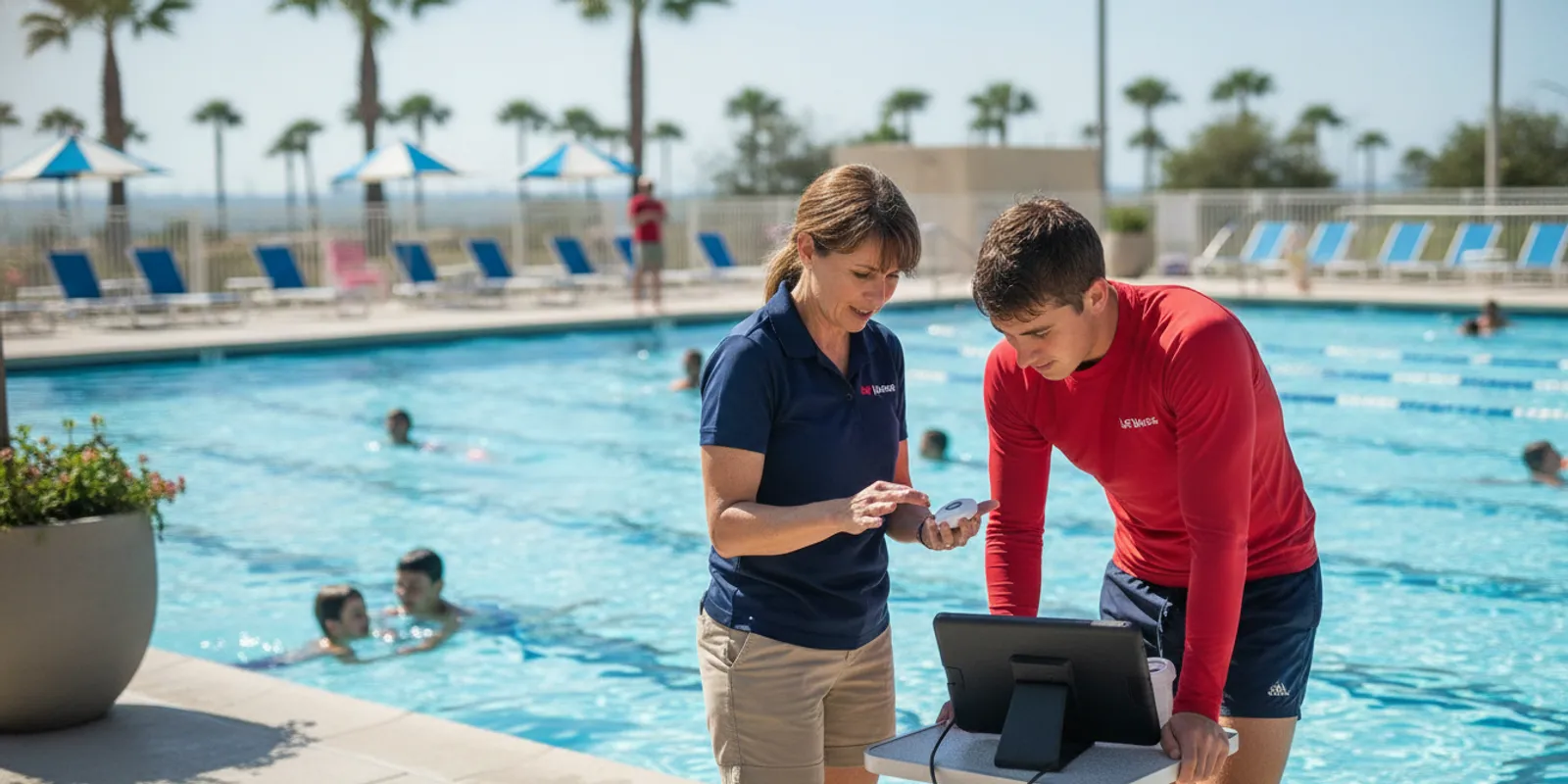
Choosing a commercial pool safety system is not just a question of whether equipment is wireless. Facility leaders should compare how a system detects an event, how alerts reach staff, whether it fits the water and swimmer groups, and how it will be maintained within existing procedures. A wireless pool safety system can add another layer of awareness, but it should support—not replace—trained lifeguards and a facility’s emergency action plan.
A useful comparison starts with the real operating environment: water conditions, swimmer activity, staff roles, and response steps. Ask vendors to explain what triggers an alert, who receives it, and what staff do next. Then assess whether the system can be deployed, maintained, and practiced without disrupting supervision.
What should a facility clarify before choosing a wireless pool safety system?
Begin with the safety problem the facility wants technology to help address. A community pool, school, camp, and supervised natural-water site may have different swimmer populations, visibility, staffing patterns, and response routes. Writing down these conditions before a product discussion makes it easier to compare systems on relevant requirements instead of feature lists.
Also distinguish between detection and response. Equipment may identify a condition or event and send an alert, but staff still need to recognize the alert, reach the swimmer, and follow established emergency procedures. A system should fit around existing layers of supervision, training, rescue equipment, and communication.
Useful starting questions include: Which swimmers and zones need coverage? What events should trigger an alert? Who is expected to receive it during a normal shift, a lesson, or a staff handoff? A written answer helps the team define what “fit” means before comparing products.
Define the use case in operational terms. Identify the pool zones and swimmer groups, name the staff roles involved, and map the first actions after an alert. This gives vendors a consistent scenario to address and helps leaders judge whether a proposed system complements the facility’s current safety plan.
Review the facility’s answers to common system questions and its own emergency action plan as a team. If the facility serves multiple groups, document when programs overlap and how responsibility transfers between instructors, guards, and managers. For broader planning, a review of the aquatic emergency action plan can help staff identify the actions an alert process must support.
How do wireless deployment and water conditions affect system fit?
Wireless equipment can simplify deployment, but “wireless” does not by itself describe coverage or performance. Buyers should find out what components need to be placed around the pool, how they communicate, and what environmental conditions could affect the signal or detection method. The answers should relate to the actual site rather than a generic product demonstration.
Water visibility matters when evaluating different detection approaches. Cameras depend on visual conditions and appropriate views, while wearable systems use sensors associated with swimmers and do not rely on a camera seeing through the water. Facilities with dark or murky water, glare, bubbles, changing light, or natural-water conditions should ask specifically how the proposed system responds to those conditions.
Ask about practical setup as well. Does deployment require construction, permanent mounting, permits, facility closure, or specialist installation? What will staff need to do at opening and closing? If the system can be set up without permanent construction, check what still must be positioned, tested, charged, stored, or inspected during daily operations.
Compare deployment at the site level: what is placed, where it is placed, what conditions can affect it, and what daily tasks remain. A camera-based approach and a wearable wireless approach work differently, so require a clear explanation of each system’s limitations in the facility’s water and lighting conditions.
For a system using swimmer wearables, learn how the wearables are assigned, sanitized, stored, and checked between users. Ask whether users need to wear a device continuously during aquatic activity and what staff do if one is missing or damaged. WAVE describes its approach as wearable and wireless; its GUARDian Hub information and swimmer equipment overview can help teams frame those questions.
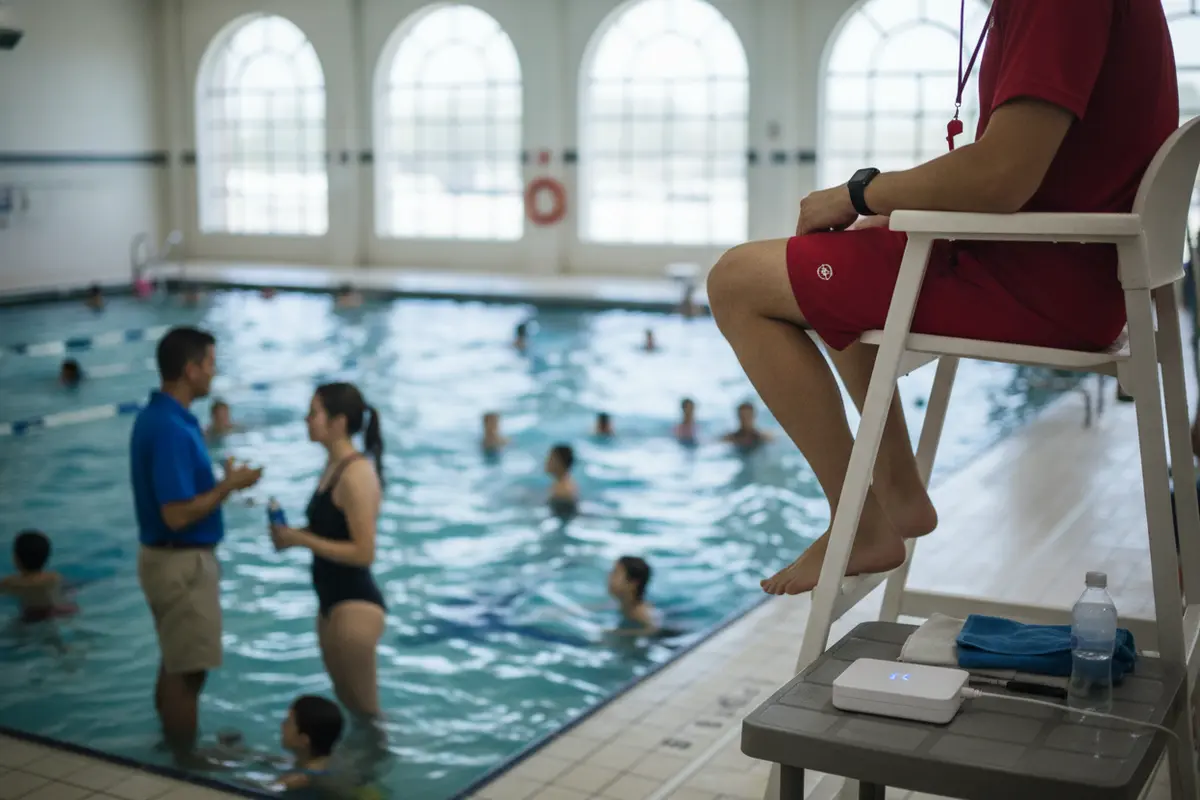
Do not assume that every part of a wireless system has the same range or capacity. Ask the provider to confirm coverage for the site plan and explain what happens at the edges of coverage, around obstructions, and when equipment loses communication. If there are multiple bodies of water or separate activity areas, ask how the system would be configured for each one.
Which alert and staff workflows should buyers compare?
The value of an alert depends on what staff can do with it. Before comparing devices, draw the route from a detected event to an appropriate response: who gets notified, what information they receive, how they acknowledge it, and who coordinates other staff. This makes workflow gaps visible before a facility commits to a new tool.
Ask whether alerts are delivered to wearable devices, speakers, a central hub, or more than one channel. Confirm how staff distinguish different alert types, whether an alert can be missed in a noisy environment, and what happens if a staff member is away from the usual post. A vendor should be able to walk through the sequence rather than merely list notification features.
In some systems, lifeguard water-entry detection is also part of the workflow. Clarify how staff are notified when a guard enters the water and how the facility will avoid confusion between a rescue response and other alerts. Every alert must map to a role and an action understood by the people on shift.
Judge alerts by the response they enable. A useful system should make it clear who is notified, what they should do, and how other team members are brought into the response. Build the plan around staff practice and supervision, not around the assumption that a device acts on its own.
Write a simple workflow for routine operations and for unusual situations such as a crowded swim session, a lesson, or a shift change. Include a backup communication step if the primary recipient does not acknowledge an alert. WAVE’s lifeguard alert equipment information and guide to lifeguard water-entry detection provide useful prompts for these discussions.
Technology should not be treated as a substitute for scanning, rotation, breaks, or clear zone assignments. New York’s Swimming Pool Safety Plan discusses lifeguard breaks and fatigue, which reinforces the need to consider human factors alongside equipment. A facility should confirm its own applicable requirements and use alert technology as an additional layer in a complete safety operation.
How can teams compare detection, maintenance, and reliability?
Ask each provider to explain what the system detects and what conditions cause it to issue an alert. “Drowning detection” can describe different technologies and triggers, so request plain-language definitions, the event sequence, and the limitations. Avoid treating a demonstration as proof that a system will perform identically in every pool or situation.
Maintenance questions matter because equipment must remain ready during ordinary operations. Find out how wearables are inspected, how battery life is managed, how the hub or network is checked, and how staff learn that a component needs attention. Ask who handles troubleshooting and replacement, what support is available, and what the facility must do when a component is unavailable.
Also plan for staff turnover. A system that one or two employees understand may be difficult to sustain if training is not part of onboarding and refresher practice. Build the alert steps into procedures and make sure supervisors can confirm that all relevant staff know how to recognize and act on notifications.
Compare the complete operating burden, not just the device. Request clear information on triggers, routine checks, battery and equipment care, software or connectivity monitoring, training, and support. Then decide who owns each task and how the facility will verify readiness throughout the season.
Research on the WAVE system published in PubMed Central reports on lifeguards’ and camp counselors’ views of using the system in a busy pool. Treat a study as one source of context, not a guarantee of outcomes at a particular site. Ask suppliers for evidence that is relevant to your setup, and independently evaluate whether the system meets your operational needs.
Use a trial or demonstration to test actual staff behavior, not only whether equipment powers on. Have the team practice a sample alert, response handoff, and reset. WAVE’s drowning detection system demo checklist and facility evaluation guide can help structure a practical review.
What should a facility compare across system options?
A side-by-side comparison helps decision-makers separate essential requirements from preferences. Use the same pool layout, staffing scenario, and operating assumptions for each vendor. Record unanswered questions as gaps rather than filling them with assumptions.
The table below is a framework, not a rating of specific products. Fill it with written responses from each provider and ask follow-up questions where a claim is unclear. The most suitable option is the one that addresses the facility’s defined needs and can be operated consistently by its staff.
Include nontechnical considerations, too. Procurement, information technology, risk management, and aquatics teams may each have a different concern, from support and data access to staff workload and budget. Bring those people into the review early enough to surface constraints.
Use a common scorecard for each option. Compare deployment, water-condition fit, detection and alert behavior, staff actions, routine care, support, and cost over the relevant contract period. Require concrete answers for every category and document where a system does not meet a facility requirement.
| Comparison area | Questions for each provider | What the facility should document |
|---|---|---|
| Deployment | What must be installed or positioned? Is construction or closure needed? | Setup tasks, site changes, timing, and staff responsibilities |
| Water and visibility | What water, lighting, and environmental conditions affect detection? | Known site conditions and any stated limitations |
| Detection | What event or threshold triggers an alert? | Trigger description, response time expectations, and exceptions to test |
| Alert routing | Who receives each alert, and how do they acknowledge it? | Roles, channels, escalation, and backup communication |
| Daily operations | What checks, storage, assignment, and cleaning are required? | Task owner, frequency, and procedure location |
| Maintenance and support | How are faults identified and addressed? What support is included? | Monitoring, troubleshooting, replacement, and staff training |
| Cost and terms | What recurring or one-time costs and contract terms apply? | Written quote, included items, term, and renewal conditions |
Cost comparisons should use the same time horizon and scope. Ask whether the quote includes hardware, monitoring software, support, training, replacement, and any deployment costs. WAVE’s pricing information is one place to review the company’s current subscription options; request a current quote for the facility’s requirements rather than relying on a general figure.
How should leaders assess facility fit and readiness?
Even a promising system may be a poor fit if the organization cannot sustain the workflow. Assess whether managers can assign ownership for setup, daily checks, training, and support coordination. Include seasonal staffing changes and the transition between programs in the assessment.
Check how the system would work in all relevant spaces and programs, including lessons, open swim, team practice, and special events. Consider the number and types of swimmers, supervision arrangements, and staff locations. A small pilot or demonstration should reflect a realistic operating period, not just an empty pool.
Finally, confirm how a new alert tool fits existing emergency procedures and regulatory responsibilities. The UK Health and Safety Executive’s swimming pool safety management guidance explains responsibilities in its own legal context; facilities elsewhere should consult their applicable local rules and qualified safety advisors. Technology does not remove an operator’s duty to plan and supervise safely.
Readiness means more than having equipment on site. The facility needs a defined alert response, trained staff, assigned maintenance tasks, a plan for equipment issues, and a way to review the process. Confirm that these pieces fit the organization before moving from evaluation to routine use.
For institutional buyers, involve the people who will operate and approve the system. Aquatics staff can validate workflow; facilities staff can check placement and connectivity; leadership can assess budget and risk; and procurement can review terms. WAVE’s GUARDian Hub product page describes a product option to discuss with those stakeholders, while the commercial pool alarm buyer guide offers another comparison perspective.
Before a final decision, write down unresolved questions and agree on what evidence would answer them. Ask for proposed deployment details, a workflow walkthrough, maintenance responsibilities, and a quote with scope and terms. Keep the team’s criteria visible so a persuasive presentation does not displace the operational requirements.
Frequently Asked Questions
A wireless system should be evaluated as one part of an aquatic safety program. The right questions concern what it detects, where it works, how alerts reach people, and whether staff can maintain and use it. Answers should be confirmed for the specific facility, not assumed from a general product description.
Does a wireless pool safety system replace lifeguards?
No. Detection technology is an additional layer that can support trained lifeguards and other staff. It does not replace active supervision, training, emergency procedures, or the facility’s responsibility to operate safely.
What does “wireless” mean when comparing pool systems?
It describes how system components communicate or are deployed, but it does not establish coverage, detection method, or suitability by itself. Ask what equipment is placed at the facility, how communication works, what can interrupt it, and how the provider verifies coverage for your site.
Can wireless systems work in dark or murky water?
Approaches differ. Camera-based systems rely on visual information, while wearable sensor systems do not depend on a camera view through the water. Confirm the specific system’s performance conditions and limitations with the provider using the facility’s actual water and lighting conditions.
What should staff do when an alert sounds?
Staff should follow the facility’s established response procedure and the training tied to the alert type. Before implementation, define who responds, who coordinates other staff, how an alert is acknowledged, and what backup steps apply if the first recipient is unavailable.
What should be included in a system demonstration?
Use a realistic facility scenario. Ask the provider to demonstrate the event trigger, notification route, staff acknowledgment, response handoff, system reset, and routine health check. Have the people who will operate the system participate, then record what remains unclear.
How can a facility compare the cost of different options?
Compare the same scope over the same time period. Include equipment, software, support, training, maintenance, deployment, contract length, and renewal terms where applicable. Request written quotes so the team can distinguish included items from optional costs.
What is the first step before contacting a provider?
Document the facility’s pool conditions, swimmer groups, staff roles, response procedures, and goals for an added detection layer. A concise requirements list helps providers answer the same questions and helps leaders assess whether an option is operationally realistic.
Choosing carefully means matching a system to real conditions and a practiced staff response. Keep lifeguards and facility procedures at the center, and treat wireless detection as a supporting layer in the broader safety plan.
