
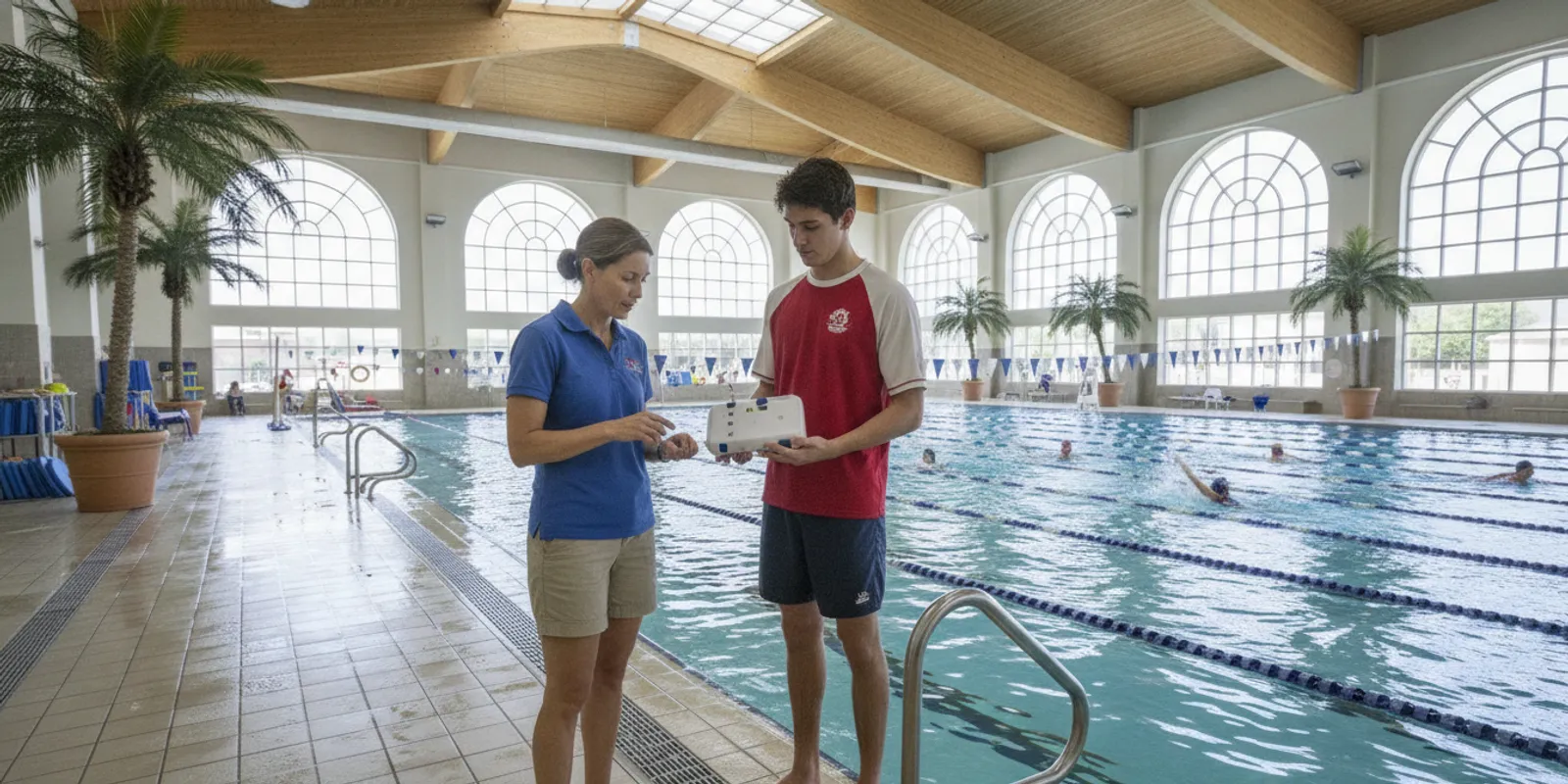
A pool safety technology comparison should begin with a realistic demo, not a polished feature list. Facility leaders need to see how a system detects a concerning event, gets an alert to the right staff, and fits the facility’s actual operating procedures. Use this checklist to structure the demonstration and record what your team can verify.
What should a facility learn from a safety technology demo?
A useful demo lets your team observe the full chain from event detection to staff response. It should make clear what the system senses, how alerts reach people, what staff must do next, and which questions still need a site-specific answer.
A demo is not just a product tour. It is an opportunity to test whether a tool can support the people, procedures, and environment already in place at your facility. Bring the aquatics director, a frontline lifeguard, an operations or risk representative, and anyone responsible for purchasing or IT when practical.
Start by naming the decision the demo should inform. Are you assessing a technology category, checking whether a particular system fits your facility, or preparing a budget recommendation? A narrow purpose helps the presenter focus and makes the result easier to share with colleagues who could not attend.
Write down the conditions the demonstration must address. These may include pool layout, water clarity, swimmer activity, staff positions, shift changes, and the way your team communicates during an emergency. Do not assume a demonstration environment matches yours. Ask the presenter to identify what is being simulated and what would need to be validated at your site.
Set expectations at the outset: detection technology is an additional layer of protection in a supervised aquatic environment. It supports trained lifeguards and established emergency procedures; it does not replace them. Ask the presenter to explain the system’s intended role in the facility’s wider aquatic emergency action plan.
Which detection scenarios should the team test?
Do not settle for a generic feature explanation. Ask to see the event types the system is designed to detect, how those events are distinguished from ordinary activity, and what the system does when conditions are uncertain or a device is not being used as expected.
Ask for a demonstration of each relevant detection pathway. For a wearable system, that may include how a swimmer’s device is associated with the system and how a prolonged submersion alert is initiated. For a lifeguard support feature, ask what happens when a lifeguard enters the water and how the alert is communicated to other staff. WAVE describes its system as using wearable sensors to detect prolonged submersion or lifeguard water entry, with alerts delivered through vibrating bracelets and facility alerts.
Ask the presenter to distinguish a live demonstration from a simulation. If an event cannot be safely recreated, ask how it is represented and what evidence or documentation can help your team understand the behavior. Avoid asking staff or swimmers to create an unsafe condition just to test a feature.
- Trigger: What event or sensor condition starts an alert?
- Recognition: How does the system differentiate the target event from routine swimming or movement?
- Notification: Which devices, people, or facility areas receive the alert?
- Reset: How is an alert acknowledged, cleared, and documented after staff investigate?
- Limitations: Which conditions can affect detection, and how will staff know a device or component needs attention?
Ask how the system behaves when a wearable is removed, improperly fitted, has a low battery, or falls outside its expected operating range. Do not treat a presenter’s answer as a guarantee. Request written operating guidance and have your own team decide how the equipment would be checked and managed during a normal shift.
Evidence can help you ask better questions, but it must match the product and use case being considered. A peer-reviewed evaluation of the WAVE Drowning Detection System examined a wearable detection approach; it is useful context for asking about evaluation methods, but it does not replace a demonstration at your site or establish results for every facility. See the study’s evaluation of the WAVE Drowning Detection System.
How do alerts reach the people who need to act?
Detection only matters operationally when staff receive and understand the alert in time to follow the facility’s response plan. Trace each alert from its source to the person who notices it, the action that person takes, and the backup process if the first notification is missed.
Ask the presenter to show every alert channel that applies to the configuration being discussed. A system may use wearable alerts, a central hub, remote speakers, or other facility notifications, but your team should confirm which elements are included and how they are configured. Ask who receives each alert, whether it is distinct from routine signals, and what the recipient is expected to do.
Map alert routing against your actual staffing pattern. Include the primary lifeguard, secondary coverage, supervisors, and any staff who may be involved in an emergency response. If your facility has multiple zones or a separate aquatic and building operations team, ask how staff identify the alert location and coordinate without leaving other duties uncovered.
Run through ordinary complications rather than assuming ideal conditions. What happens during a noisy swim lesson, a crowded public session, a shift handoff, or a temporary change in staff position? What if the first person does not acknowledge an alert? Ask whether notifications repeat, escalate, or go to another person, and have the presenter distinguish available settings from standard system behavior.
Then connect the alerts to training and records. Ask what onboarding is provided, what refresher training is recommended, and whether staff can review an alert history or system status. Compare the answer with your own lifeguard support procedures and frequently asked questions about the system. A demo should not leave staff guessing about who responds, who covers the zone, or how the event is reported.
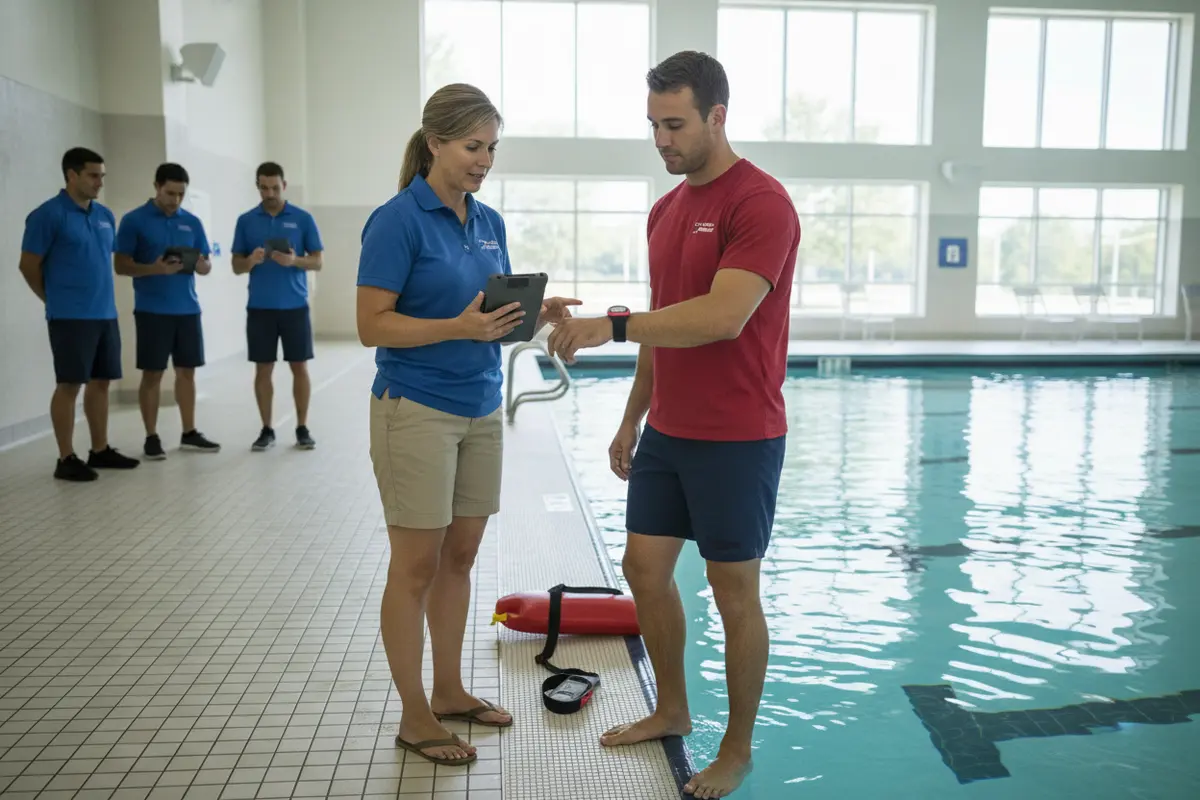
When possible, ask a frontline lifeguard to wear or handle the alert device during the demonstration. Have them describe whether the alert is noticeable while they are scanning, moving, or communicating. Their practical feedback can reveal workflow issues that a management-only product review might miss.
What should you examine about coverage and site fit?
Coverage is a site question, not just a brochure specification. Ask how the proposed configuration accounts for your facility’s layout, operating areas, water conditions, and number of people, then identify what must be verified during a site assessment.
Bring a current facility map or sketch to the demo. Mark pools or bodies of water, entry points, blind or hard-to-monitor areas, staff stations, and spaces where equipment might be placed. Ask the presenter to explain how the proposed system would cover those areas and which assumptions depend on a later site review.
Discuss environmental conditions plainly. Water clarity, lighting, bubbles, movement, and the physical layout can affect how different technology approaches are evaluated. WAVE’s wearable approach is designed to work in clear as well as dark or murky water, unlike camera-based approaches that depend on visual conditions; still, ask how your particular site and configuration will be assessed rather than accepting a broad claim as a site-specific result.
Ask how many users and areas the proposed configuration is intended to support and what determines that capacity. If the presenter cites a range, ask whether it applies to a single unit, a whole installation, or a specific configuration. Request an explanation of any boundaries, interference considerations, or additional equipment that could affect coverage. Record the answer and verify it against your expected maximum bather load and operating plan.
Use the comparison table to keep the conversation grounded in your facility’s needs. These are evaluation prompts, not blanket performance claims; ask each provider to fill in the details for the proposed system.
| Evaluation area | What to observe in the demo | What to document |
|---|---|---|
| Detection method | How the system recognizes the event being demonstrated | Target events, assumptions, and known limitations |
| Alert path | What alerts activate and who receives them | Recipients, escalation, acknowledgment, and reset steps |
| Site coverage | How the proposed setup relates to the facility layout | Areas included, boundaries, and site checks still needed |
| Staff workflow | How a staff member notices and responds to an alert | Roles, training, handoffs, and procedure changes |
| Deployment | What setup requires and whether operations are disrupted | Equipment, timeline, responsibilities, and prerequisites |
| Ongoing support | How status, service, and user questions are handled | Support channels, monitoring, warranty, and training terms |
Compare deployment requirements as carefully as detection features. WAVE’s wearable wireless system is deployed without permanent construction; ask what equipment is included, where it is placed, what the facility must provide, and what steps are necessary before staff can use it. Do not assume every site will have the same setup or timeline. For a closer look at the system components, review the GUARDian Hub (w3000) information and the available swimmer equipment.
How can leaders compare options fairly?
Use the same scenarios, staff roles, and scoring questions for every demonstration. A consistent comparison helps leaders separate verified fit from attractive features, and it keeps price, service, deployment, and operational effort in view alongside detection.
Before the first demo, agree on a short list of requirements. Separate essential needs from preferences. Essential needs might include support for the facility’s water environment, a clear alert route, compatibility with existing emergency procedures, and practical staff training. Preferences might include a particular alert format or reporting feature. This distinction prevents a memorable feature from outweighing a basic operational requirement.
Give each provider the same facility description and the same questions. Ask them to mark every answer as one of three types: demonstrated live, explained but not demonstrated, or not confirmed. This simple record discourages assumptions and shows where follow-up evidence is needed. If the presenter cannot answer, record the question for written follow-up rather than filling the gap with a guess.
Score options against a common rubric. A simple scale can be “meets,” “partly meets,” and “not yet verified.” Add a note explaining the evidence behind each rating. Avoid a single overall score unless your team has agreed on how each criterion is weighted; a strong result in one area should not conceal an unresolved concern in another.
- Safety role: Does the system clearly support, rather than replace, trained lifeguards and established supervision?
- Detection fit: Were the facility’s priority scenarios demonstrated or otherwise substantiated?
- Alert usability: Can relevant staff notice, interpret, and act on alerts within the facility’s workflow?
- Site fit: Are coverage, environmental conditions, and setup requirements explained for your actual location?
- Operations: Are training, checks, troubleshooting, service, and responsibility for ongoing management clear?
- Financial fit: Is the complete recurring and one-time cost clear, including equipment, terms, support, and any optional components?
For pricing, request the same scope from each provider and compare like with like. Ask whether the quote includes all equipment, software, onboarding, replacement terms, and support, and what contract length or payment schedule applies. WAVE’s current published plan information describes subscription options; check the current WAVE pricing page and confirm the configuration and terms that apply to your facility. Do not rely on old notes or a verbal estimate when preparing an approval request.
Use an evaluation sheet that records the date, attendees, questions, evidence, open items, and next owner for each follow-up. Share it with staff who could not attend. If an operational detail remains uncertain, make it a condition for the next review rather than marking the system as a fit. You can also review WAVE’s drowning detection system demo checklist and facility safety tools guide as additional planning references.
What should leaders ask about deployment and ongoing support?
A product demonstration should cover what happens after the meeting. Clarify who configures and tests the system, how staff learn to use it, how device status is checked, and how the facility gets help when a question or issue arises.
Ask for a deployment outline with responsibilities on both sides. Which site information does the provider need? Who places and configures equipment? What must facility staff prepare? How will the team confirm that alerts reach the right people before regular use? A clear sequence makes it easier to plan around lessons, public sessions, seasonal openings, or other operating demands.
Ask what training and onboarding involve. Identify who should attend, whether new hires can be trained later, and what reference materials are available for daily operations. A system is only useful to the organization when the people assigned to it understand their roles. Include a plan for shift changes and staff turnover instead of treating initial training as a one-time box to check.
Clarify routine equipment management. Ask how devices are charged or maintained, how staff identify a fault or low-power condition, and who is responsible for checking readiness. WAVE’s AquaSense swimmer wearables are described as having a multi-year battery and not requiring daily recharging; confirm the terms and operating guidance for the specific equipment in your proposed configuration. Ask what happens if a device needs service or replacement.
Review service and warranty terms in writing. Ask what support channels are available, when staff can reach a person, what information is needed to troubleshoot, and how replacement or repair is handled. For a subscription, confirm the contract length, included services, renewal process, and any fees. Your purchasing team should compare written terms, not infer them from a live demo.
Finally, plan how to measure readiness after deployment. The facility might verify that designated staff have been trained, alert routing is understood, equipment checks are assigned, and the procedures have been reviewed. These are operational checks for your own team, not a claim that the technology alone assures safety. Consult your existing procedures and the WAVE how-it-works overview when preparing questions for a follow-up conversation.
Frequently Asked Questions
The best next step after a demo is a documented decision, not an immediate purchase. Use follow-up questions to resolve anything untested, then check the proposed system against the facility’s supervision plan, staffing, site conditions, and written requirements.
Should lifeguards participate in the technology demo?
Yes, when possible. Lifeguards can assess whether an alert is noticeable during scanning and movement, whether instructions are clear, and how the workflow fits their duties. Their input complements the perspective of aquatics leaders, operations staff, risk managers, and procurement teams.
Can a demo prove that a system will work at our facility?
A demo can show how a product behaves in the demonstrated setup, but it cannot automatically establish performance in every facility condition. Ask which parts were live, what was simulated, and what site-specific review or validation remains. Keep unverified points open until the provider supplies a clear answer.
What if the demo cannot reproduce an emergency?
Do not create an unsafe event for the sake of testing. Ask the presenter to use a safe simulation, explain the detection pathway, and provide documentation about the scenario and its limits. Your facility should follow its own safety rules and emergency procedures throughout the demonstration.
How should we compare wearable and camera-based approaches?
Compare the detection method, environmental dependencies, installation needs, alert workflow, staff training, and ongoing costs against your facility’s requirements. Ask each provider to show how the approach fits your site and clearly state what it cannot demonstrate. Do not assume one category suits every operating environment.
What information should we bring to the demo?
Bring a facility layout, typical operating schedule, staff roles, swimmer groups, priority scenarios, and any relevant technology or procurement requirements. Share only information your organization is comfortable providing. A specific brief helps the presenter respond to your real questions instead of relying on generic examples.
What is the most useful output from a demo?
A concise record of what was demonstrated, how alerts reached staff, what deployment would require, what written evidence is outstanding, and who owns each follow-up. That record gives decision-makers a consistent basis for comparing options and planning the next review.
With a shared checklist and clear follow-up owners, your team can turn a product demonstration into a careful, facility-specific decision that supports trained staff and established safety procedures.
