
Municipal Aquatic Center Safety Technology Checklist
Choosing municipal aquatic center safety technology is not a matter of buying the longest feature list. Parks and recreation leaders need a system that fits daily operations, supports lifeguards across every pool zone, produces alerts staff can act on, and gives procurement teams a defensible path from pilot to rollout. This checklist turns those priorities into practical questions for your next vendor review.
Schedule a free water safety consultation to map the right alert and swimmer-protection options to your facility.
What Should Municipal Aquatic Center Safety Technology Do?
Effective municipal aquatic center safety technology should strengthen supervision, speed communication, and remain usable during real operating conditions. It should support qualified lifeguards rather than replace them. The right system fits the facility's water environments, staffing model, emergency action plan, maintenance capacity, and public-sector budget process.
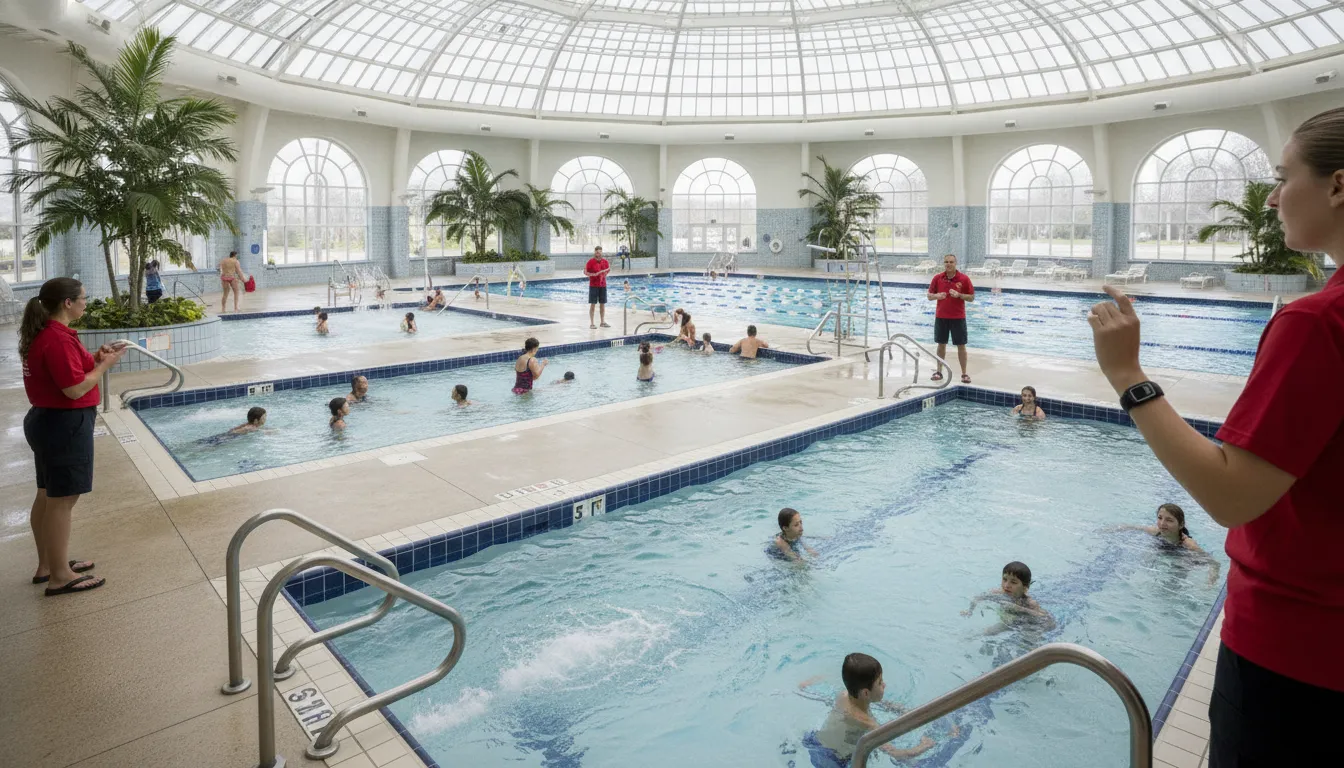
Aquatic facilities are complex workplaces. A single city may operate an indoor competition pool, an outdoor leisure pool, a splash area, and a supervised lake. Each environment creates different visibility, noise, staffing, and communications challenges. A solution that performs well in one clear indoor pool may not fit a multi-site municipal operation.
Begin with a cross-functional evaluation team that includes aquatics leadership, front-line lifeguards, risk management, IT, facilities, procurement, and finance. Their shared goal is not to automate judgment. It is to add a reliable layer of information and alerts that helps trained staff recognize and respond to an incident.
1. Define the Safety Problem Before Comparing Products
The first step is to document the specific operational gaps the technology must address. This keeps a vendor demonstration focused on real municipal needs rather than impressive features that may not improve the response process.
- Map every water environment: List pools, diving wells, splash features, lakes, and seasonal sites, including dark-bottom or murky water.
- Record supervision challenges: Note glare, blind spots, noise, high-attendance periods, complex sight lines, and transitions between programs.
- Review recent drills and incidents: Identify where detection, staff notification, facility-wide communication, or documentation slowed down.
- Define success: Decide which measurable outcomes matter, such as alert delivery, drill response consistency, equipment readiness, or staff adoption.
- Confirm the role of technology: State clearly that the system supports, but does not replace, trained lifeguards and established emergency procedures.
Use the city's existing aquatic safety plan as the starting point. The CDC Model Aquatic Health Code is also a useful reference for reviewing facility operations, policies, and management practices. Technology should strengthen those fundamentals, not distract from them.
2. Evaluate Coverage Across Multiple Pools and Sites
Multi-pool operations require more than nominal coverage. Evaluators should confirm where sensors, hubs, monitors, speakers, and staff alerts will function during peak attendance, then test the system in every intended operating environment before approving a broader rollout.
Ask each vendor to walk the site and provide a coverage design. For every pool or water body, document the expected components, alert recipients, power needs, network assumptions, and expansion path. If the city operates seasonal facilities, ask how easily equipment can be deployed, stored, moved, and recommissioned.
| Evaluation area | Questions for the vendor | Evidence to request |
|---|---|---|
| Water conditions | Does performance depend on clear water, lighting, or a specific pool design? | On-site test in each intended environment |
| Pool and site coverage | Can one system support adjacent pools or multiple facilities? | Coverage map and expansion plan |
| Seasonal use | Can equipment be installed and removed without construction? | Deployment and storage procedure |
| Peak operations | How does the system perform with crowded water and many active devices? | Capacity assumptions and live demonstration |
| System health | How will supervisors know that every component is ready? | Daily readiness and maintenance workflow |
WAVE takes a wearable, wireless approach designed for clear and dark or murky bodies of water. Its GUARDian Hub (w3000) connects lifeguards, staff, and optional swimmer wearables without the permanent construction associated with camera-based systems. Municipal teams should still validate their own coverage plan through a site-specific consultation and demonstration.
3. Test Staff Alerts From Detection to Response
A safety alert only helps when the right staff members notice it, understand it, and act. A municipal evaluation should test the complete alert chain during realistic drills, including noisy decks, shift changes, simultaneous programs, and staff positioned beyond the immediate pool area.
Evaluate both the initial detection and the escalation path. Who receives the first alert? Is it haptic, audible, visual, or a combination? What happens when a lifeguard enters the water? How are additional guards, supervisors, or facility staff notified that a rescue is underway? Clear answers reduce ambiguity during a high-stress event.
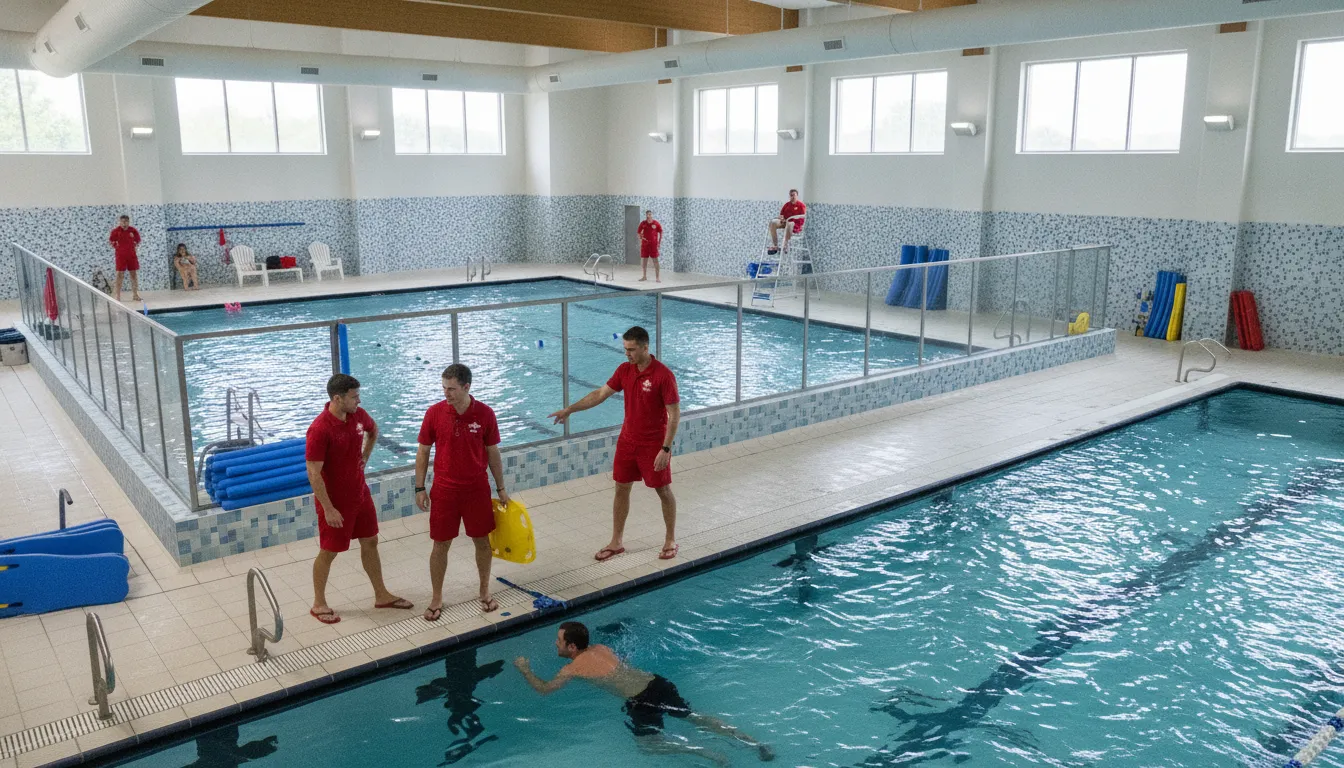
WAVE's GUARDian Lifeguard Alert equipment uses lifeguard tags to detect water entry and automatically notify other staff through alerts, including vibrating bracelets and facility alerts. This gives aquatics teams a way to automate rescue notifications while guards continue following their trained response procedures.
Explore WAVE products and compare lifeguard alerts with optional swimmer protection.
4. Assess Swimmer Monitoring Without Weakening Supervision
Swimmer monitoring should add another layer of protection while preserving active lifeguard surveillance. Evaluate what the technology detects, how thresholds are configured, how swimmers use any wearable equipment, and how alerts reach guards. Require a live demonstration under the same conditions and programs the city plans to support.
For wearable systems, the operating workflow matters as much as the sensor. Ask how staff distribute, fit, collect, clean, store, and check devices between sessions. Determine which programs will use wearables, who owns that process, and how the team handles a missing or low-battery unit. A smooth check-in workflow is essential for sustained adoption.
WAVE's AquaSense swimmer wearables monitor how long a swimmer's head remains submerged. When a configured threshold is exceeded, the system alerts lifeguards through staff alert equipment. Because detection comes from the wearable rather than a camera view, the approach can support clear and dark or murky water. It remains an aid to supervised operations, not a guarantee against drowning.
5. Review Rollout, Training, and Daily Readiness
A rollout plan should show how technology becomes part of daily work. Strong plans assign owners, train every shift, establish equipment checks, update emergency action procedures, and schedule drills before the system is used during regular programming. Municipal leaders should approve the process, not just the hardware.
- Select a representative pilot: Choose a site with meaningful operating complexity and engaged supervisors.
- Document the baseline: Record current alert, communication, drill, and equipment-check processes before deployment.
- Train by role: Give lifeguards, head guards, managers, and facilities staff role-specific practice.
- Run realistic drills: Test peak noise, shift changes, multiple pool zones, and facility-wide escalation.
- Review performance: Capture staff feedback, alert results, readiness issues, and recommended process changes.
- Approve a phased rollout: Expand only after the pilot meets predefined operational and safety criteria.
Ask vendors what implementation requires from facilities and IT. WAVE describes its system as deployable without permanent construction, and its getting-started process is designed to help facilities configure and launch a system without shutting down for a major installation. Confirm the exact timeline and responsibilities for your selected configuration.
6. Build a Public-Sector Budget and Procurement Case
A defensible municipal budget compares total operating impact, not just purchase price. Include equipment, installation, construction, software, monitoring, warranties, replacement, staff time, training, storage, and expansion. Then align the recommended option with the city's approval thresholds, contract rules, and budget calendar.
Use a three-year comparison so decision makers can see the cost of ownership and the operational tradeoffs of each option. Procurement documents should also define required outcomes, testing criteria, support expectations, renewal terms, and an implementation schedule. Avoid specifications written around a feature that has not been tied to a documented safety need.
| Budget category | What to calculate | Procurement question |
|---|---|---|
| Initial deployment | Equipment, installation, construction, permits, and setup labor | Which costs are one-time and which are recurring? |
| Ongoing operations | Software, monitoring, replacement, maintenance, and staff time | What support and warranty terms are included? |
| Scaling | Additional pools, sites, wearables, and staff alert equipment | Can the city expand without replacing the original system? |
| Contract fit | Term, payment schedule, renewal, and cancellation requirements | Does the agreement fit municipal purchasing rules? |
| Implementation risk | Downtime, training needs, construction, and IT dependency | What could delay the rollout? |
WAVE currently offers subscription-based GUARDian bundles with published 12-month and 36-month options. The WAVE pricing page lists the GUARDian Lifeguard Alert Bundle from $149 per month with a 36-month AdvancePay option, or $199 per month on the 12-month option. The GUARDian Swimmer Protection Bundle is listed from $299 per month with a 36-month AdvancePay option, or $399 per month on the 12-month option. Configuration needs can vary, so municipal buyers should confirm current pricing, quantities, terms, and procurement fit directly with WAVE.
Review current WAVE bundle pricing, then schedule a consultation for a facility-specific quote.
How Should a City Score Municipal Aquatic Center Safety Technology Vendors?
A city should score municipal aquatic center safety technology vendors with a weighted matrix tied to documented needs. Give the most weight to safety fit, reliable alerts, operational usability, and verified performance. Then score implementation, support, total cost, and contract fit. Require evidence for every score and use a real-world pilot to validate finalist claims.
- Safety and operating fit, 30%: Compatibility with water environments, programs, supervision model, and emergency procedures.
- Alert reliability and usability, 20%: Noticeable, understandable alerts and a tested escalation path.
- Implementation and training, 15%: Clear rollout, daily readiness, drill, and support processes.
- Scalability and flexibility, 15%: Ability to support added pools, facilities, seasons, and programs.
- Total cost and contract fit, 15%: Transparent three-year cost and compatibility with municipal terms.
- Reporting and vendor support, 5%: Useful records, responsive service, and defined equipment support.
This structure keeps the selection centered on real operations. It also creates a clear record for executives, purchasing teams, elected officials, and the public.
Questions Parks and Recreation Leaders Ask
Does safety technology replace municipal lifeguards?
No. Municipal aquatic center safety technology should support trained lifeguards and established emergency procedures, not replace them. It can provide another layer of swimmer monitoring, staff notification, or facility communication, but qualified staff remain responsible for active supervision and response.
Can one system work across indoor pools, outdoor pools, and lakes?
It depends on the technology. Camera-based systems may depend on visibility and fixed installation conditions. WAVE's wearable, wireless approach is designed for clear and dark or murky bodies of water and can support portable, seasonal, or permanent deployments. Each site still requires a coverage assessment.
What should a municipal aquatic center pilot test?
A pilot should test coverage, alert delivery, staff understanding, swimmer-wearable workflow if applicable, daily readiness checks, training demands, maintenance, and escalation during realistic drills. Define pass criteria before the pilot so the final recommendation is based on evidence rather than impressions.
How should a city compare aquatic safety technology costs?
Compare total cost across the planned contract period. Include equipment, construction, installation, software, monitoring, warranties, replacement, training, staff time, storage, and future expansion. Confirm all current pricing and contract terms directly with each vendor before presenting a budget request.
What is the first step in evaluating WAVE?
Start by documenting your sites, water environments, staffing model, alert needs, programs, and procurement timeline. Then schedule a free consultation with WAVE to discuss a facility-specific configuration and demonstration.
Turn the Checklist Into a Defensible Decision
The best municipal aquatic center safety technology is the one your team can test, understand, operate, and sustain. Define the problem first, evaluate the complete alert-to-response workflow, include front-line staff, and use a scored pilot to validate claims. That process creates a stronger safety decision and a clearer public-sector business case.
WAVE gives municipal aquatics teams a wearable, wireless option that supports lifeguards, works across clear and dark or murky water, and can be deployed without permanent construction. Compare WAVE's GUARDian products or schedule a free consultation to build an evaluation around your facilities.
