
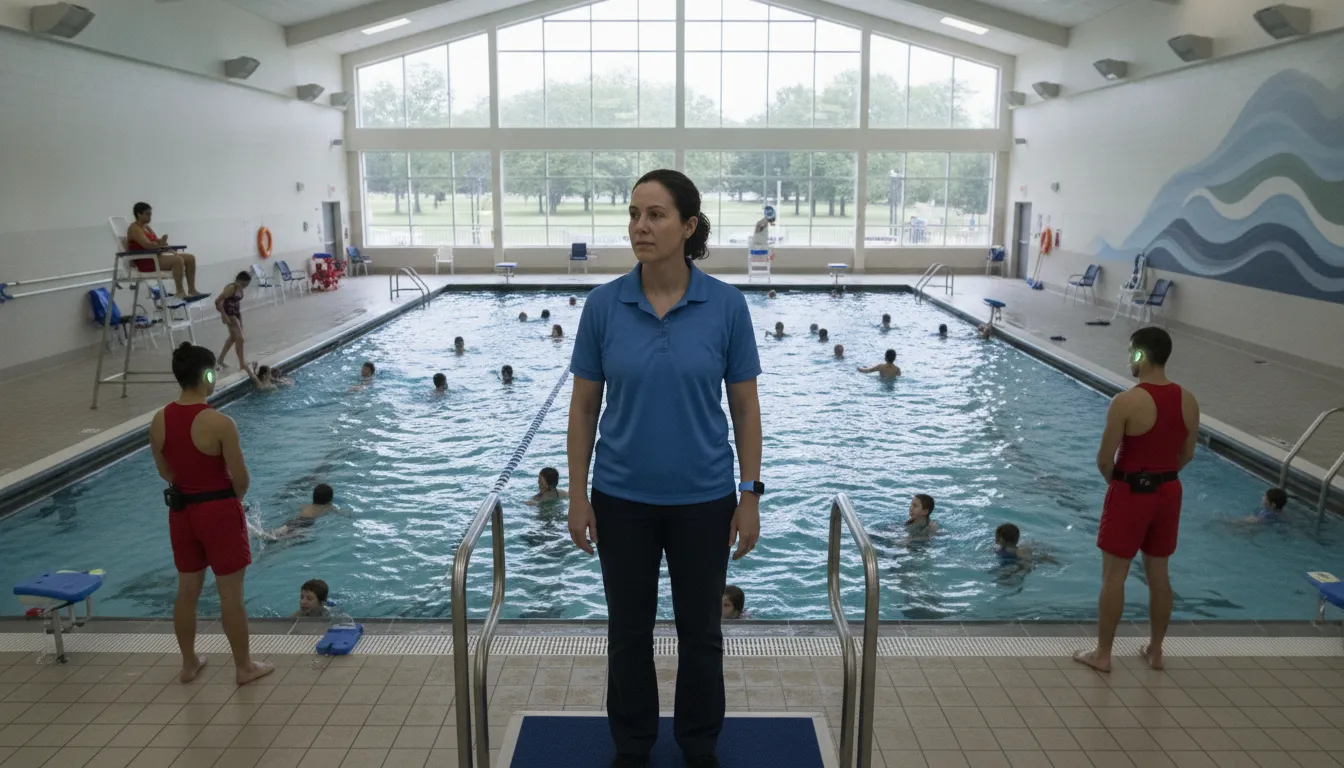
In a busy supervised pool, the hardest part of an emergency is not only noticing a possible problem. It is moving the right information to the right staff member while trained responders follow established procedures. Wearable wireless systems can support that process by connecting swimmer activity, a central hub, and staff alerts without turning technology into a substitute for lifeguard judgment.
Real time drowning detection technology uses sensors, software, and wireless communication to identify a possible prolonged submersion and escalate an alert to trained staff. With WAVE, AquaSense swimmer wearables can signal the GUARDian Hub, which helps deliver configured notifications that support a coordinated human response.
The practical value depends on the full workflow: what the wearable detects. How the GUARDian Hub processes the signal, how staff are notified, and what happens next on deck. Understanding that sequence makes it easier to evaluate detection approaches and build procedures that strengthen, rather than replace, active supervision.
What is real time drowning detection technology?
Real time drowning detection technology is a system that identifies a possible distress event and quickly communicates an alert to people responsible for the facility. It is detection and alerting, not prevention by itself. Trained lifeguards and staff still assess the situation, follow emergency procedures, and decide what response is appropriate.
At a high level, these systems use two approaches. Sensor-based systems collect information from a swimmer or nearby device and transmit it to a processing unit through wired or wireless communication. In a supervised pool, a wearable may identify a prolonged submersion or another configured signal, then send that event to a hub that manages the alert path. WAVE's approach uses AquaSense swimmer wearables with the GUARDian Hub (w3000), adding an automated signal to attentive lifeguard supervision.
The second approach uses cameras and image processing to analyze visual information in the water. A 2024 academic review identifies image processing and sensor-based methods as two major areas of drowning-detection research, including work involving artificial intelligence and machine learning. The same academic review of drowning detection methods notes that image-processing systems can require substantial resources and complex algorithms, while sensor-based approaches may offer practical options. Those are research-level observations, not guarantees for every product or facility.
The useful distinction for facility leaders is what happens after detection. A device or software model may identify a potential problem, but the safety value depends on whether the alert reaches the right staff. Whether the signal is understandable, and whether the team can respond within its established procedures. Technology should therefore be evaluated as one layer in a broader safety system, not as an autonomous rescuer or replacement for lifeguards.
Real time drowning detection technology combines sensing or visual analysis with alert delivery. It can help staff recognize a possible emergency sooner, but trained human supervision and response remain essential.
How does the detection signal reach a lifeguard?
The alert path is designed to move information from a swimmer wearable to the people responsible for an immediate, trained response. It is a notification workflow, not a diagnosis: an alert indicates a potential emergency that a lifeguard must assess using direct observation, training, and facility procedures.
- AquaSense detects submersion. An AquaSense swimmer wearable, such as a headband or goggle clip, signals the system when it goes underwater. Facilities can review the AquaSense swimmer wearables used in this first step. This signal does not by itself confirm drowning or distress.
- A configurable timer filters the event. The GUARDian system starts an adjustable delay timer when the wearable is submerged. The threshold is facility and product dependent, so it should be configured around the facility's operating procedures rather than treated as a universal response time.
- The GUARDian Hub processes the event. When the configured window expires, the GUARDian Hub (w3000) routes the potential-emergency notification through the facility's alert workflow. The hub is the central communications point connecting lifeguards, staff, and swimmers, and it supports emergency and non-emergency alerts. Learn more about the GUARDian system workflow.
- Staff receive layered notifications. Lifeguards can receive a tactile alert through vibrating bracelets. Spoken-word or facility alerts can also notify staff and other swimmers that assistance may be needed. Separately, a lifeguard tag can signal when a guard enters the water, helping the team recognize that a rescue response is underway.
- A trained lifeguard evaluates and responds. The alerted lifeguard confirms what is happening, communicates with the team, and follows the facility's emergency action plan. WAVE adds another layer of protection for supervised aquatic environments; it does not replace lifeguard supervision, judgment, or established rescue procedures.
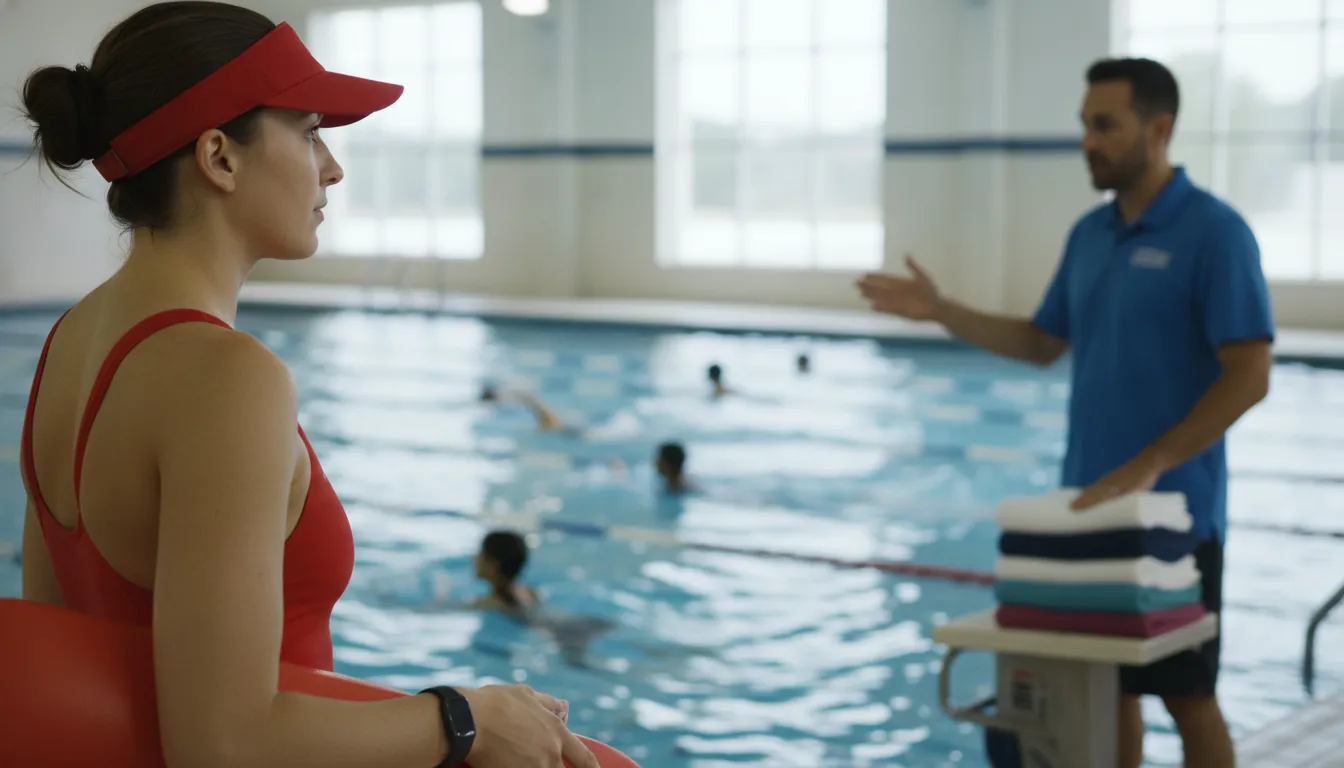
The signal path is wearable to timer to GUARDian Hub to staff alert. It identifies a possible emergency and helps direct attention, while trained lifeguards determine the situation and lead the response.
What can real-time swimmer wearables detect?
Swimmer wearables are designed to signal a potential prolonged-submersion event, while lifeguard tags signal when a guard enters the water. These are distinct alerts that help staff understand what may be happening and coordinate a trained response. They are not a promise that every drowning will be detected or that an incident will be prevented.
WAVE's AquaSense swimmer wearables, including swimmer trackers and goggle clips, signal the GUARDian Hub when the device goes underwater. The system can then apply an adjustable delay timer rather than treating every brief dunk or routine movement as an emergency. If the wearable remains submerged through the configured window, the system escalates the alert to staff through the facility's configured alert path.
That distinction matters operationally. A submersion signal identifies a condition that may require attention, but it does not interpret the swimmer's intent, assess the full scene, or replace a lifeguard's judgment. Thresholds and response settings depend on the product and facility configuration, so teams should validate them during setup and drills. Staff should follow their training and established emergency procedures when an alert occurs.
Why lifeguard water-entry alerts are different
A lifeguard entering the water can be part of a rescue response, so the facility may need to alert other guards and staff immediately. WAVE lifeguard alert equipment uses a waterproof lifeguard tag attached to the guard's equipment or swimsuit. When the tag is submerged, the GUARDian Hub can trigger alerts for other guards, along with facility audio and visual notifications, according to the documented system workflow.
Used together, the two signals provide context: one relates to a swimmer's prolonged submersion, and the other indicates that a lifeguard has entered the water. This layered approach supports communication during a fast-moving event while keeping trained people responsible for assessing conditions and acting.
AquaSense swimmer wearables can signal a configured prolonged-submersion event, while lifeguard tags can signal water entry. Each alert gives staff context, not an automatic diagnosis or guarantee.
How should facilities compare wearable and camera-based systems?
Wearable and camera-based approaches observe different signals and create different operational requirements. The right comparison starts with the facility's water conditions, infrastructure, staffing procedures, and ability to turn an alert into a trained response.
Facilities evaluating real time drowning detection technology should compare the complete signal-to-response path, not just the detection device. A 2024 academic review identifies image-processing and sensor-based methods as two broad approaches to drowning detection. It also notes that sensor systems can transmit information through wired or wireless channels, while image-processing systems may require substantial computing resources and sophisticated machine-learning algorithms. These are technology-level observations, not universal performance guarantees for every product or deployment.
| Comparison area | Wearable or sensor-based approach | Camera or image-processing approach |
|---|---|---|
| Primary signal | A device associated with a swimmer or staff member senses a defined condition and transmits information to a processing hub. | Fixed cameras and software analyze visual information in a monitored area for patterns that may warrant attention. |
| Infrastructure | Review the wearable design, hub coverage, wireless communication, charging or battery policy, device assignment, and alert hardware. | Review camera placement, network and computing requirements, lighting, mounting, privacy practices, and software maintenance. |
| Water and visibility | Because the signal is associated with the device rather than a visible image, ask how the system is configured for the facility's water conditions and use case. | Ask how glare, shadows, crowding, water clarity, obstructions, and changing light affect the camera view and staff review process. |
| Staff workflow | Define who receives the alert, what the alert means, how staff identify the area or swimmer, and which emergency procedure follows. | Define who monitors the software output, how potential events are verified, and how coverage gaps or ambiguous images are handled. |
| Planning questions | Can staff learn the workflow, test it during drills, document events, and maintain every assigned device? | Can the facility support installation, camera sightlines, data governance, software oversight, and ongoing calibration? |
WAVE's lifeguard wearable alert devices offer one example of a wearable-centered workflow to review. More broadly, ask each provider to demonstrate a realistic alert, explain configuration and limitations, and identify the human decision that follows. Technology should add a layer of protection for trained lifeguards, not replace active supervision or established emergency procedures.
What does real-time alerting change for pool operations?
Real-time alerting gives a pool team a shared operational signal to act on, review, and improve. It does not replace lifeguard judgment. Instead, it can help staff coordinate a response, clarify who is responsible for each zone, and document what happened after a possible emergency.
Before opening, supervisors can confirm that the GUARDian Hub, devices, and wearables are reporting correctly. Hub Management Software (HMS) provides real-time status monitoring, along with battery notifications, configurable thresholds, user permissions, and event logging. That visibility turns equipment checks into a repeatable operating practice rather than an informal assumption that every device is ready.
From alert to coordinated response
When an AquaSense wearable remains submerged beyond the facility's configured window, the system can alert lifeguards through vibrating bracelets. Spoken-word or other facility alerts may help bring the event to the attention of additional staff, depending on the system configuration. Staff still follow their training and emergency procedures, but the shared signal can reduce uncertainty about when a response should begin and who needs support.
The same operational thinking applies to lifeguard-entry events. Lifeguard tags distinguish a guard entering the water from a swimmer-submersion alert, helping other team members understand that a rescue response may already be underway. Facilities can incorporate both alert types into zone assignments, backup coverage, and regular drills. The WAVE service guide and HMS support provide a starting point for reviewing these operational details.
Use drills and event review to improve the system
Practice should cover the full path: recognizing the alert, communicating across zones, supporting the responding guard, and recording the follow-up. Reviewing event logs and false-alert patterns can help supervisors identify whether thresholds, staff permissions, device placement, or procedures need attention. Any changes should be tested against the facility's actual environment and documented for the team.
A published study of WAVE deployment at a camp pool over eight weeks reported that staff considered the system easy to learn and use. That finding describes the staff in that specific study and should not be generalized to every facility. It does, however, illustrate why implementation should include hands-on training, drills, and feedback from the people who will use the alerts.
Real-time alerting is most useful when it becomes a practiced operating routine: verify equipment, respond through defined roles, review events, and improve the process without reducing lifeguard coverage.
How do you evaluate a drowning-detection system?
A useful evaluation starts with the facility's actual environment and response plan, not with a feature list. The right system should help trained staff recognize a possible emergency, receive a clear alert, and follow established procedures. It should also give managers practical ways to monitor readiness after installation.
Evaluate drowning-detection technology as a complete operational layer: coverage, alert logic, staff response, system status, and evidence that the solution fits your facility.
- Define the environment and coverage. Identify every body of water, operating condition, swimmer group, and staff position the system must support. Ask whether detection depends on visibility, infrastructure, or wearable use, and map how signals reach the GUARDian Hub (w3000). Confirm which equipment is intended for swimmers and which is intended for lifeguards. Review the AquaSense swimmer wearables and request a site-specific coverage plan rather than assuming one configuration fits every facility.
- Trace the alert path and thresholds. Ask what starts a potential-emergency alert, how the delay or threshold is configured, and what happens next. WAVE documents submerged wearables, configurable delay timing, and vibrating bracelet notifications, with additional alert capabilities described for facility operations. Verify how staff distinguish a swimmer-submersion alert from a lifeguard water-entry alert, and ask for the current configuration in writing. Thresholds are product- and facility-dependent, so do not treat a published setting as a universal response guarantee. See the GUARDian system workflow.
- Test training, drills, and handoffs. Ask the vendor to demonstrate a realistic alert, then have lifeguards practice acknowledging it, locating the relevant area, communicating with teammates, and applying facility emergency procedures. Include coverage changes, breaks, rescues, and false-alert review in drills. Technology supports supervision; it does not replace lifeguard judgment or rescue training.
- Check maintenance and status monitoring. Request the inspection schedule, charging or battery expectations, replacement process, connectivity checks, and escalation plan for a device that is offline. Confirm whether Hub Management Software (HMS) provides status visibility, battery notifications, permissions, configurable thresholds, and event logging, as documented by WAVE's support resources.
- Clarify privacy and integration boundaries. Ask what data is collected, who can access event records, how long records are retained, and how permissions are managed. Require written confirmation for any requested connection to an existing platform. Do not assume an API or third-party integration is available when it has not been documented.
- Request evidence before purchase. Ask for a live demonstration, implementation requirements, training materials, maintenance responsibilities, support terms, and references from comparable supervised facilities. Review how the vendor measures readiness and documents events. A credible evaluation explains limitations as clearly as capabilities.
A sound evaluation connects detection capability to coverage, alert clarity, staff training, maintenance, privacy, and evidence from a realistic demonstration.
Why does human supervision remain essential?
Answer capsule: Real-time detection technology can add useful signals, but trained people still interpret conditions, maintain zone coverage, and carry out the facility's emergency procedures. The strongest safety approach combines attentive lifeguards, clear protocols, and technology that helps staff recognize a possible emergency.
A wearable alert is a prompt for assessment, not a diagnosis or an autonomous rescue decision. Lifeguards must continue scanning their assigned areas, watching swimmer behavior, and considering context such as congestion, visibility, weather, or activity type. That judgment helps staff decide whether an alert reflects a possible distress event, an expected water entry, or a situation requiring another response.
Coverage planning remains a human responsibility. Supervisors should define zones, assign posts, confirm that staff can perceive and act on alerts, and establish who takes the lead when a response begins. WAVE distinguishes swimmer submersion alerts from lifeguard water-entry alerts, helping communicate different events, but facility personnel still follow their training and emergency action plan. Review lifeguard assistance technology guidance alongside site-specific procedures when evaluating how alerts fit into operations.
Training should include more than learning which bracelet vibrates or which announcement plays. Teams need practice acknowledging alerts, communicating across zones, securing coverage for remaining swimmers, and documenting follow-up. Hub Management Software can support operational oversight through status monitoring, battery notifications, configurable thresholds. Permissions, and event logging, while managers remain responsible for reviewing those details and correcting gaps.
This layered model also keeps expectations realistic. No detection approach observes every condition or replaces active supervision. Technology is most useful when it reinforces a prepared team, supports timely awareness, and fits a facility's established response process.
Frequently Asked Questions
Can AI detect drowning in pools?
Some systems use computer vision, while others use wearable or sensor signals. WAVE uses AquaSense swimmer wearables to identify configured submersion events, then sends information through the GUARDian Hub for staff alerts. The technology supports trained lifeguards and does not replace active supervision or emergency procedures.
Is there a wristband that can prevent drowning?
A wristband cannot prevent every drowning or guarantee a safe outcome. WAVE staff bracelets are alert devices that can vibrate when the system identifies a configured potential emergency. Helping direct a lifeguard's attention while the team follows its established response protocol.
How does a wearable alert reach lifeguards?
A swimmer wearable communicates wirelessly with the GUARDian Hub. When a configured submersion timer expires, the system can send vibrating alerts to staff bracelets and spoken-word notifications through facility speakers, depending on the deployed equipment and settings.
What happens when a lifeguard enters the water?
A lifeguard tag can identify water entry and notify other staff that a rescue response may be underway. This separate alert helps the team coordinate coverage and assistance while the entering lifeguard manages the immediate situation.
How should facilities maintain real-time alerting?
Facilities should assign response roles, train staff on the alert sequence, test equipment routinely, and review events after drills or incidents. Hub Management Software can provide status visibility for hubs, devices, and wearables, along with applicable battery notifications, permissions, thresholds, and event records.
Ready to strengthen your facility's response plan?
A clear alert path can help your team understand what happens when a possible distress signal reaches staff, while keeping trained lifeguards at the center of the response. Discuss your pool environment, operating procedures, and goals with the WAVE team to determine whether a real-time drowning detection layer fits your supervised aquatic facility.
