
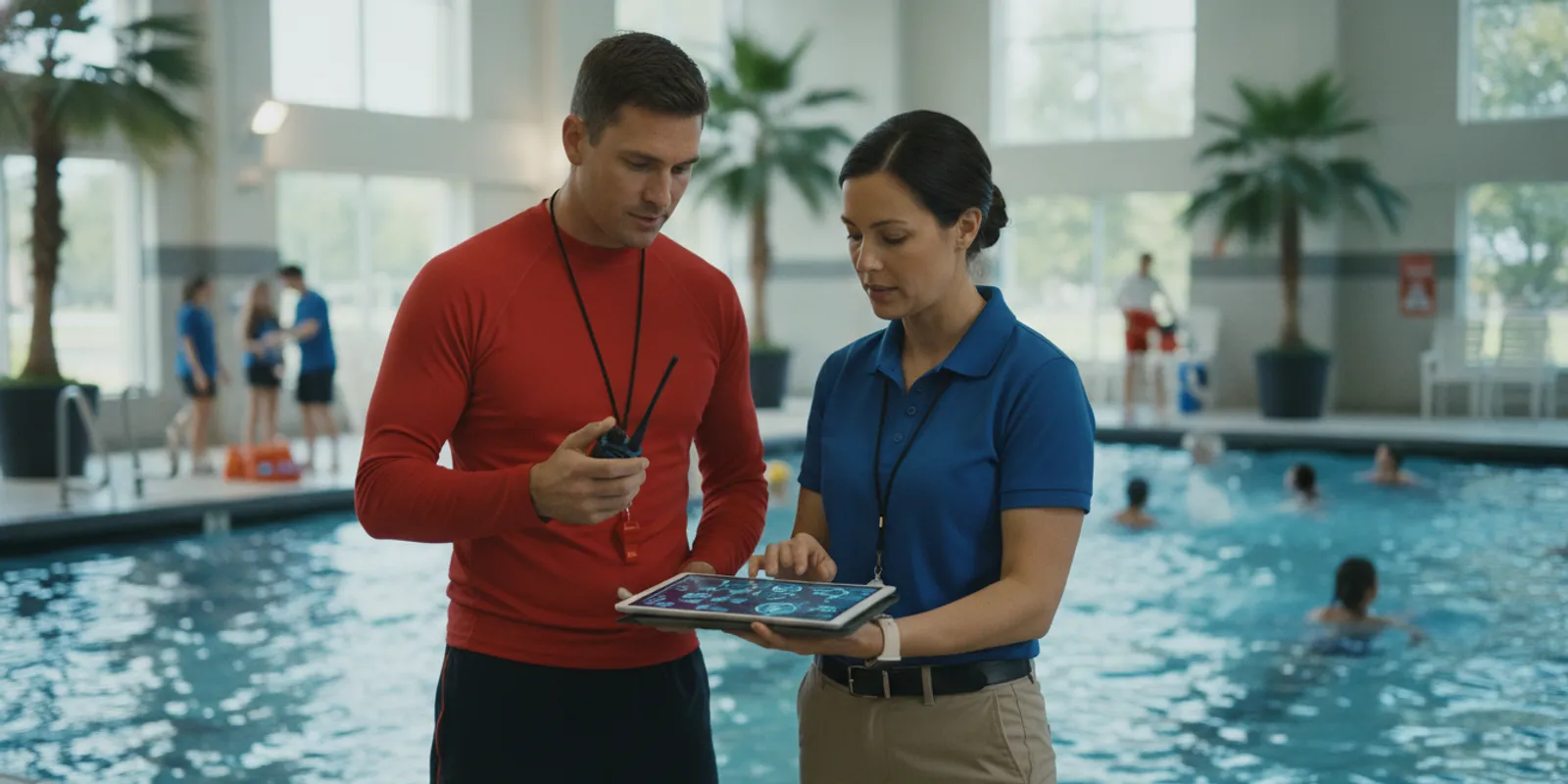
Aquatic facilities rely on people, procedures, and equipment working together. A practical aquatic facility technology support plan spells out who keeps each tool ready, how staff get help, and what happens when an alert or device is unavailable. For leaders evaluating swimming pool safety equipment, the plan should cover more than purchasing: it should describe training, support channels, maintenance, updates, testing, and operational ownership.
What should an aquatic facility technology support plan include?
A useful support plan connects a technology tool to daily operations. Name an accountable owner, define staff roles, document how to get help, schedule routine checks, control updates, and test response procedures. Treat detection technology as an additional layer that supports trained lifeguards, not as a substitute for active supervision or the facility’s emergency action plan.
A facility does not need a complex manual for every device. It does need reliable, current instructions that an employee can follow on a busy shift. The plan should explain what normal operation looks like, how staff recognize a fault, and who decides whether a feature or activity can continue when a system is unavailable.
Start by listing each relevant tool and its purpose. Include alert equipment, communications devices, monitoring software, network or power dependencies, and any staff wearables. For each item, record the location, its normal operating state, the responsible role, the backup process, and where the current instructions are stored. A commercial pool safety system overview can help leaders map product components to facility workflows.
The objective is operational readiness, not a promise that a device will prevent every incident. A technology plan should fit alongside staff supervision, rescue skills, emergency communication, and established facility procedures. It should be understandable to employees who did not participate in selecting or installing the equipment.
Who owns each part of the support plan?
Assign an accountable owner for the whole plan, then identify a day-to-day equipment lead and a trained backup. Make clear which decisions belong to facility leadership, which checks belong to shift staff, and when a vendor or technical support contact must be involved.
Ownership should be explicit, even at a small facility where one person may hold several roles. Without named responsibility, pre-opening checks can be missed, faults may be reported late, and staff may not know who can approve a workaround. Document both the primary owner and a backup for absences, evenings, weekends, or seasonal turnover.
A simple responsibility table helps connect operational tasks to people:
| Plan area | Primary responsibility | What to document |
|---|---|---|
| Daily readiness | Opening or shift lead | Checks completed, exceptions, and escalation contact |
| Staff preparation | Aquatics supervisor or training lead | Who is trained, how competency is checked, and refresher timing |
| Maintenance and device records | Technology or facility owner | Inspection dates, faults, repairs, and replacement status |
| Software and configuration | Authorized administrator | Change approval, testing, and communication to staff |
| External assistance | Named vendor liaison | Support route, information to provide, and follow-up owner |
Keep roles functional rather than tied only to job titles. A smaller organization might use the aquatics director as both owner and vendor liaison, with the head lifeguard completing shift checks. A multi-site organization may need a central administrator for configuration and a local site lead for daily readiness. The key is that staff can quickly identify who is authorized to act.
List decision boundaries, too. For example, staff should know who can remove a device from service, who approves a temporary operational adjustment, and who determines whether the facility’s emergency procedures need to be activated. Follow applicable regulations and your existing emergency action plan; technology instructions do not supersede them.
How should staff training and help channels work?
Train staff on the actions they must perform, not just on product features. Every shift should know how to identify an alert, follow its assigned response role, report a fault, and reach the right person for assistance without delaying established emergency procedures.
Training must cover the moment an alert arrives as well as ordinary use. Employees need to know what the device communicates, where alerts appear, which staff are expected to respond, and how the response is coordinated with other guards. When a system includes wearable alerts or a central hub, practice with the equipment and actual shift roles rather than relying on a slide deck alone.
Build training into onboarding, shift briefings, and seasonal refreshers. Record attendance and practical competency checks. New or reassigned employees should receive orientation before they take a role that depends on the system. Supervisors should confirm that staff can distinguish a test from a live alert and know the locally approved response protocol. The WAVE FAQ is one reference point for common system questions, while facility-specific procedures must explain local responsibilities.
Separate emergency response from technical troubleshooting. Staff should follow the facility’s emergency action plan when responding to a possible swimmer emergency. They should not pause to diagnose a device or contact technical support before taking the actions assigned to them. After immediate response needs are addressed, the designated lead can report a system issue through the documented support route.
Document a tiered help pathway. The first step may be a quick check of approved operating instructions. Next, the shift lead contacts the internal equipment owner. If the issue remains unresolved, the owner reaches the vendor or authorized technical support. Record the information staff should provide: device or component identifier, time, observed behavior, any displayed message, recent changes, steps already taken, and whether operations were affected.
Set expectations without inventing a response promise. The plan should identify the support hours and contact method confirmed for the specific agreement, how urgent and routine issues are distinguished, and what staff do if the primary channel is unavailable. WAVE’s support and help center can be included as an approved resource, but facility leaders should verify current contact instructions before distributing the plan.
Which maintenance checks keep equipment ready?
Use a layered maintenance schedule: quick checks before use, recurring inspections by the equipment owner, and documented follow-up for faults. For every check, define what staff inspect, what acceptable status looks like, where the result is recorded, and who acts on an exception.
Maintenance varies by equipment and manufacturer instructions, so the plan should point to the current product documentation rather than replace it. A daily check might confirm that required components are present, charged or powered as designed, visibly intact, and communicating normally. A scheduled review might examine wear, storage, cleaning, connectivity, software status, and records of unresolved problems.
Make checks short enough to be completed consistently. A checklist can include the date and shift, initials, status of each item, and an exception note. Do not record a simple check as a pass if a component is missing, damaged, unresponsive, or overdue for service. Route exceptions to the person with authority to investigate, and document when the issue is resolved.
Pool operations also depend on facility systems beyond detection devices. The National Institutes of Health Office of Research Facilities guidance discusses maintainability of aquatic facility water systems and the use of pressure gauges and flow meters at appropriate points. Use the source for that limited facilities-maintenance context, and consult the applicable local code and qualified professionals for site-specific requirements: Aquatic Facilities: Think Beyond “The Guide”—Part II: Water.
Include storage and cleaning instructions that fit the device, and identify who is authorized to perform repairs. Staff should not improvise repairs, alter settings, or substitute components unless the manufacturer or responsible technical contact has approved the action. If an item is taken out of service, label or isolate it as appropriate, notify the shift lead, and follow the documented operating decision.
Keep a service record that answers four practical questions: what was checked or repaired, when it happened, who performed the work, and what remains open. A concise log supports handoffs between shifts and helps leaders see recurring issues. Use the GUARDian Hub (w3000) information and the relevant device documentation to identify equipment-specific upkeep steps before writing local checklists.
How should software changes and outages be handled?
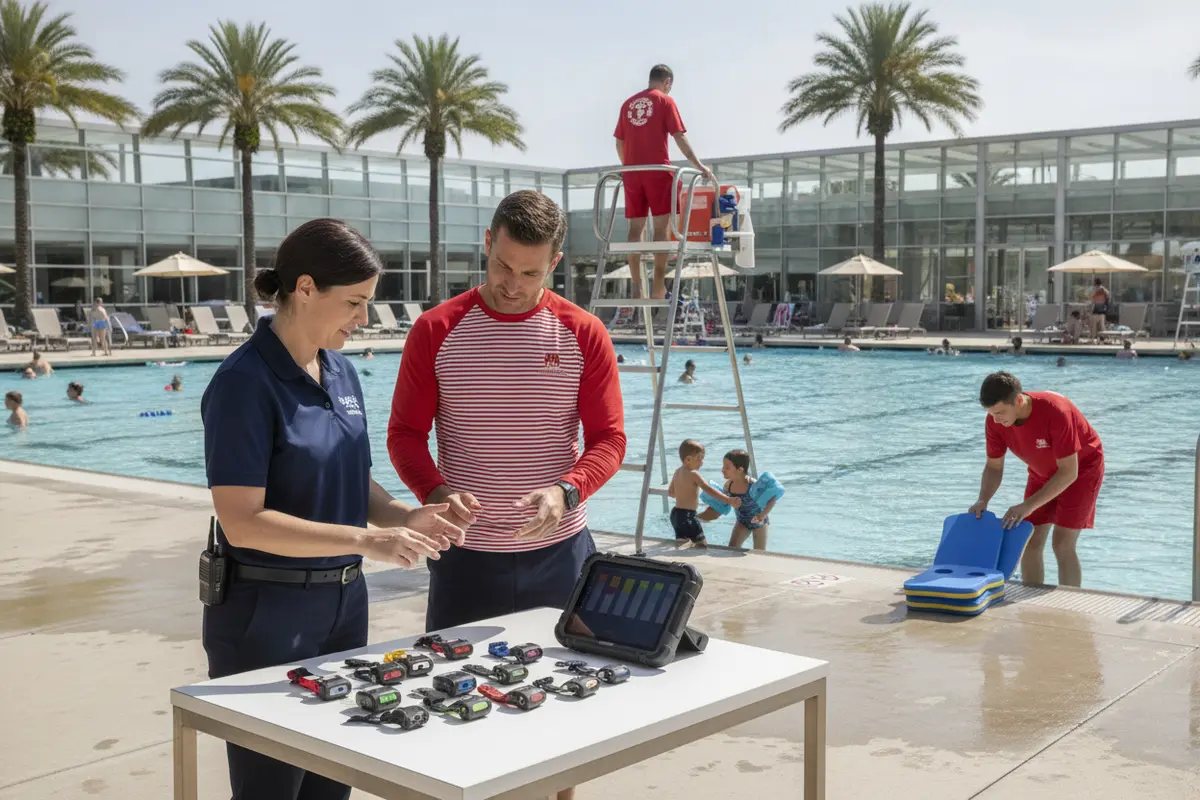
Control changes so staff are not surprised by a new screen, setting, or alert behavior during an operating shift. Record who approved the change, what was updated, how it was tested, how staff were told, and what temporary procedure applies if normal service is disrupted.
Software and configuration changes can affect the way staff interact with equipment. Name the authorized administrator and require a basic change record. Before a planned change, identify the reason, expected effect, timing, impacted devices, and the person who will confirm operation afterward. Share a short update with the staff who use the system, not only with the person who manages it.
Establish a change window that fits facility operations and vendor guidance. Avoid making an untested change immediately before a busy period. When possible, confirm the system’s expected status after the update and verify that alerts reach the intended people or equipment using an approved test method. Keep prior configuration information or recovery instructions only as recommended by the provider.
An outage procedure should be plain and actionable. Staff should know how to identify a service interruption, whom to notify, what manual or backup process applies, and who decides whether activities or operating arrangements need to change. The procedure should not promise equivalent protection from a workaround. It should direct the responsible leader to assess the specific conditions and follow facility rules, regulations, and the emergency action plan.
When the problem is resolved, close the loop. Record the interruption and resolution, tell affected staff what has changed, and check that the normal process has resumed. If staff need refresher instruction after a configuration or procedure change, deliver it before they rely on the updated workflow.
For systems that include swimmer or lifeguard wearables, explain device assignment, storage, inspection, and return procedures. WAVE describes its wearable swimmer equipment and lifeguard alert equipment separately; a facility plan should specify which equipment is in use at that site and how its own staff handle it. Avoid assuming every site has the same configuration.
What should a facility test before relying on its plan?
Test the whole workflow, not just whether a device powers on. A useful exercise checks that the right person recognizes a test alert, follows the assigned communication and response steps, reports a simulated fault, and records the result without confusing a drill with a real emergency.
Schedule a readiness test when staff can participate and when it will not disrupt safe operations. Use an approved test procedure and notify the people who could interpret the test as a live alert. Never create a confusing or unsafe scenario. The equipment provider’s instructions and facility policy should determine how system-specific tests are performed.
Include different shifts and roles over time. A test with only the director present may not reveal that a weekend attendant does not know the escalation route. Confirm that an employee can locate current instructions, identify the internal owner, and explain what to do if that person is unavailable. Where multiple people share response duties, practice the handoff and communication sequence.
After each exercise, record the date, participants or roles, equipment and procedures tested, outcome, issues found, corrective owner, and due date for follow-up. If a test uncovers a gap, update the plan and communicate the change. Retest the affected step rather than assuming that issuing a revised document fixed the problem.
A brief seasonal review is useful before a new operating period or following material staff, equipment, or software changes. Use it to check that contact details still work, device inventories are accurate, staff training records are current, and open corrective actions have owners. The aquatic emergency action plan review guide can help teams consider how support procedures fit into broader emergency readiness.
How can leaders tailor the plan to their facility?
Scale the documentation to the operation, but keep the same essentials: a named owner, role-based instructions, working help channels, scheduled checks, controlled changes, and tested response steps. A seasonal camp and a year-round community pool may use different schedules, yet both need a clear and current process for each shift.
Begin with the facility’s actual operating environment. Consider the number and type of aquatic areas, operating hours, staffing model, seasonal turnover, technology components, and the way alerts reach staff. A single-site facility may use a compact binder and a shared digital log. A multi-site organization may need a common standard with site-specific contact lists and equipment inventories.
Map the plan to the swim session from opening through closing. Determine who checks equipment before swimmers arrive, who receives alerts during the session, who handles a fault, and who verifies shutdown or storage. Then compare the written plan with the real shift pattern. If it assumes that an administrator is always present but that person works weekdays only, the escalation design needs a backup.
Keep emergency response, routine maintenance, and vendor support distinct but connected. A daily inspection should not become an emergency procedure; a support contact should not be the only person who knows how to respond to an alert. The facility’s emergency action plan remains a key companion document. For purchasing teams comparing approaches, review a commercial pool safety system buyer’s guide alongside the local support burden each option creates.
Finally, make the plan easy to find. Post a short role-and-escalation summary in the appropriate staff area, while retaining detailed instructions where authorized staff can access them. Include a version date and document owner. Remove obsolete copies when contact details, equipment, or procedures change. Leaders can also review the system overview and getting-started information when mapping a new deployment to existing responsibilities.
Frequently Asked Questions
A support plan should answer the questions staff are most likely to face during real operations. Use these answers as a starting point, then adapt them to your equipment, staffing, applicable rules, and written facility procedures.
Is a technology support plan the same as an emergency action plan?
No. A support plan covers technology ownership, training, maintenance, updates, help channels, and readiness testing. It should align with the facility’s emergency action plan but does not replace that plan, emergency training, or active lifeguard supervision.
Who should be responsible for daily equipment checks?
Assign the check to a role that is present before or during the relevant operating period, such as an opening lead or shift supervisor. Name a backup, define the check, and state how staff report an exception to the equipment owner.
How often should staff practice technology procedures?
Set a schedule based on the facility’s operating cycle, staff turnover, equipment guidance, and changes to the workflow. Include practice during onboarding and refresh it after significant procedural or system changes. Document completion and follow up on gaps.
What should staff do if the system stops working?
Staff should follow the facility’s documented outage procedure, notify the designated lead, and continue to use established supervision and emergency protocols. The authorized leader assesses the situation and decides what operational steps are appropriate; staff should not assume an outage workaround offers the same capability.
Should every staff member contact technical support directly?
Usually the plan should route routine technical issues through a designated internal owner or shift lead, so reports are consistent and actions are tracked. It should still explain what to do if that person cannot be reached and when an urgent issue must be escalated immediately.
What records should the facility keep?
Keep records of staff training, readiness checks, inspections, faults, service, software changes, tests, corrective actions, and plan reviews. Follow the organization’s record-retention rules and applicable requirements, and make sure the current instructions are accessible to the people who need them.
Does detection technology replace lifeguards?
No. In supervised aquatic environments, detection technology is an additional layer intended to support staff awareness and response. It does not replace lifeguards, active supervision, staff training, rescue readiness, or facility emergency procedures.
When should a facility review its support plan?
Review it on a regular schedule and whenever equipment, software, staffing, operating hours, or response procedures change. Also review it after a test identifies a gap or a service interruption reveals that an instruction or contact route needs improvement.
A well-maintained support plan makes technology easier to use responsibly because people know their roles before a problem occurs. Keep the plan specific, test it with the staff who will use it, and revise it as the facility and its systems change.
