
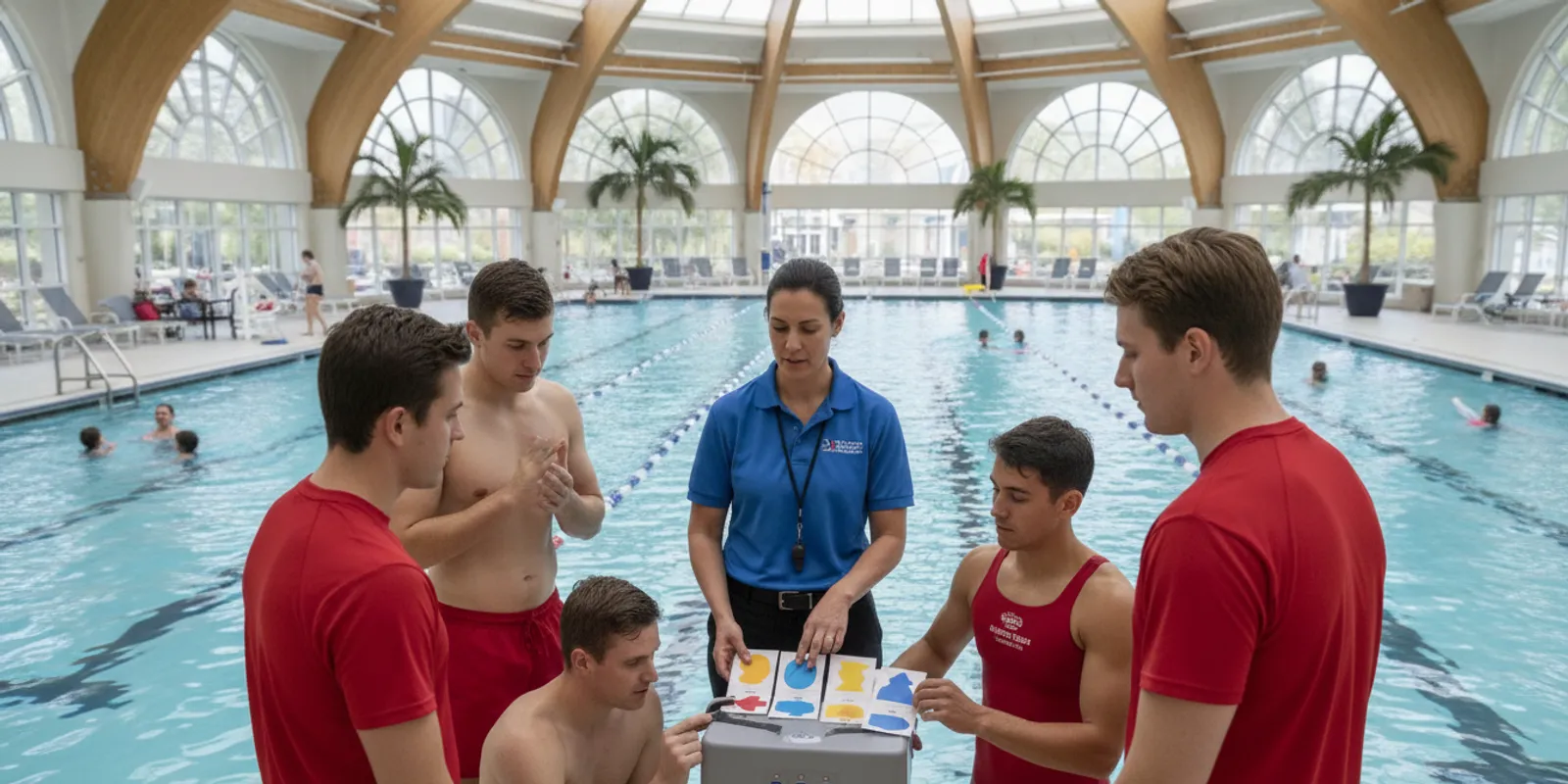
A pool safety technology staff training checklist should teach more than which buttons to press. Staff need to recognize alerts, understand what a signal does and does not mean, communicate its location, maintain assigned supervision, and follow the facility emergency action plan. The same framework also helps a team evaluate computer vision drowning detection or a wearable system without treating technology as a substitute for trained lifeguards.
Train every shift on one clear pathway: recognize the signal, identify the zone, communicate with the team, follow the emergency action plan, and document the outcome. Technology is an additional layer of protection in a supervised aquatic environment; it does not replace scanning, rescue readiness, or established procedures.
What belongs in a pool safety technology staff training checklist?
A useful checklist turns a system demonstration into observable skills. It covers the selected technology, the people who respond, the facility’s procedures, controlled practice, equipment readiness, escalation, and documentation.
Begin with the facility’s actual operating model. An indoor community pool, a seasonal camp, a school program, and a supervised lake may use different zones, staffing patterns, communication channels, and emergency action plans. The checklist should therefore be specific enough for the site while remaining easy to update when staffing or system configuration changes.
Write each topic as something a staff member can explain or demonstrate. “Attended training” is a record of participation, not proof that a person can respond correctly. A supervisor should be able to observe the skill, identify a gap, provide coaching, and record when the employee repeated the step successfully.
- Purpose and limits: what the system monitors, what its alert means, and what it cannot establish.
- Alert recognition: sound, vibration, visual indicators, status messages, urgent signals, and the location information presented by the selected configuration.
- Response roles: who acknowledges the signal, who keeps visual coverage, who leads the response, and who contacts additional help under the facility plan.
- Communication: the concise words, radio channel, phone, or in-person method staff use to identify the correct zone.
- Equipment readiness: approved checks for hubs, tags, wearables, alert devices, power, connectivity, and visible damage.
- Escalation: what happens when an alert is urgent, unresolved, repeated, or associated with a system fault.
- Recovery and reporting: who may reset or silence an alert, what information is preserved, and how the event or fault is documented.
- Competency review: the date, shift, trainer, scenario, result, coaching provided, and next review date.
Keep the working checklist practical. A one-page role card can show the alert type, primary responder, backup, communication method, coverage responsibility, and applicable procedure. Detailed manufacturer instructions and the facility emergency action plan should remain available to supervisors and trainers. For system context, review WAVE’s GUARDian Hub information, the facility FAQ, and the How It Works overview.
How should leaders set training objectives before staff practice?
Good objectives connect a signal to a safe action. Before a drill begins, leaders should define what each role must notice, say, do, and document, including the coverage that must continue while another person responds.
List the roles present on each shift instead of assuming that the daytime structure applies at every hour. A primary responder may be different from the opening supervisor. A substitute employee may need a shorter role orientation before taking an assigned post. A front desk, security, or program attendant may have a notification role even when that person does not enter the water or lead a rescue.
Use four questions for every objective:
- What should the staff member notice? Define the exact signal or status change, including whether the alert appears as a vibration, sound, light, message, or combination.
- What should the staff member communicate? Specify the location or zone, the type of signal as shown by the system, and the short phrase used by the facility.
- What should the staff member do next? Tie the action to the emergency action plan and the employee’s role. Do not create a technology-specific action that conflicts with the plan.
- What closes the loop? Identify who confirms the response, checks the technology status, reports the event, and records follow-up.
Objectives should also state the limits of interpretation. A signal is a reason to follow the approved response pathway; it is not permission to speculate about a swimmer’s condition or to delay direct observation. Similarly, the absence of a signal does not remove the need for active scanning and supervision. This distinction matters whether a facility is evaluating computer vision drowning detection, wearable sensors, lifeguard entry detection, or another alert configuration.
Use WAVE’s lifeguard alert equipment resources to identify product-specific topics, then confirm each item against the current instructions supplied for the facility’s system. The training record should name the actual equipment and configuration used in practice, not a generic product category.
How should staff learn alert recognition and response roles?
Staff should be able to identify the actual alert, state its location without guessing, and explain their assigned action. Practice must also show who maintains coverage while another person follows the emergency action plan.
Start with a demonstration in the environment where the system will operate. Show staff the hub, alert devices, wearables, lifeguard tags, and any displays or speakers included in the configuration. Explain the difference between normal status information, a warning, a fault, and an urgent alert according to current system instructions. Have employees repeat the meaning in their own words.
Then assign a primary responder and backup for each scenario. The primary responder follows the facility procedure while other assigned staff maintain visual coverage and assist as directed. A supervisor should make clear that no one abandons a post, changes coverage, or resets equipment without following staffing and emergency procedures.
- Introduce the signal. Show the indicator, sound, vibration, or message and explain its documented meaning.
- Practice acknowledgment. Have the assigned person acknowledge or communicate the alert as the configuration permits.
- State the location. Practice giving a concise zone, lane, shoreline area, or other site-specific location.
- Assign the response. The lead identifies who maintains coverage, who follows the emergency plan, and who brings additional support.
- Use direct observation. Staff respond according to their training and the facility plan rather than relying on the technology alone.
- Close the loop. Confirm who reports the event, checks the system, documents the outcome, and communicates that the area is ready for normal operations.
WAVE systems can provide staff alerts through configured equipment such as vibrating bracelets and facility alerts. Train on the alert behavior at the site, not on assumptions from a sales description or a different installation. The AquaSense swimmer equipment information can support product-specific preparation, but the facility’s current instructions and emergency action plan control the response.
Which drills make the checklist useful on every shift?
Short, repeatable drills reveal whether written roles work in practice. Test normal operations, handoffs, busy periods, and a system fault in a controlled setting, then debrief promptly and record what needs correction.
Include opening, peak, closing, weekend, and seasonal teams. A checklist that works only when the aquatic director is present is incomplete. Invite the people who receive or relay alerts, including supervisors and designated non-lifeguard staff, while keeping each person’s responsibilities within their training and facility policy.
Never create a real emergency or place a swimmer at risk. Use a scripted or simulated alert, explain the drill’s control method to the responsible leaders, and keep the practice separate from an actual emergency. The purpose is to test recognition, communication, coverage, and follow-up—not to surprise swimmers or encourage unsafe improvisation.
| Training scenario | What staff practice | What the supervisor checks |
|---|---|---|
| Urgent alert during normal operations | Recognize the signal, identify the zone, communicate, and follow assigned duties. | Visual supervision and required coverage remain in place. |
| Alert during shift change | Confirm roles, transfer system status, and name the backup. | Incoming staff know who acknowledges and who leads. |
| Alert during a busy program | Use concise communication while multiple activities continue. | Staff do not crowd one location or leave another zone uncovered. |
| Device or system fault | Report the problem and use the facility fallback procedure. | No one assumes the monitoring feature remains available. |
| False or unresolved alert | Use authorized verification, escalation, and reporting steps. | No unauthorized reset; follow-up is recorded. |
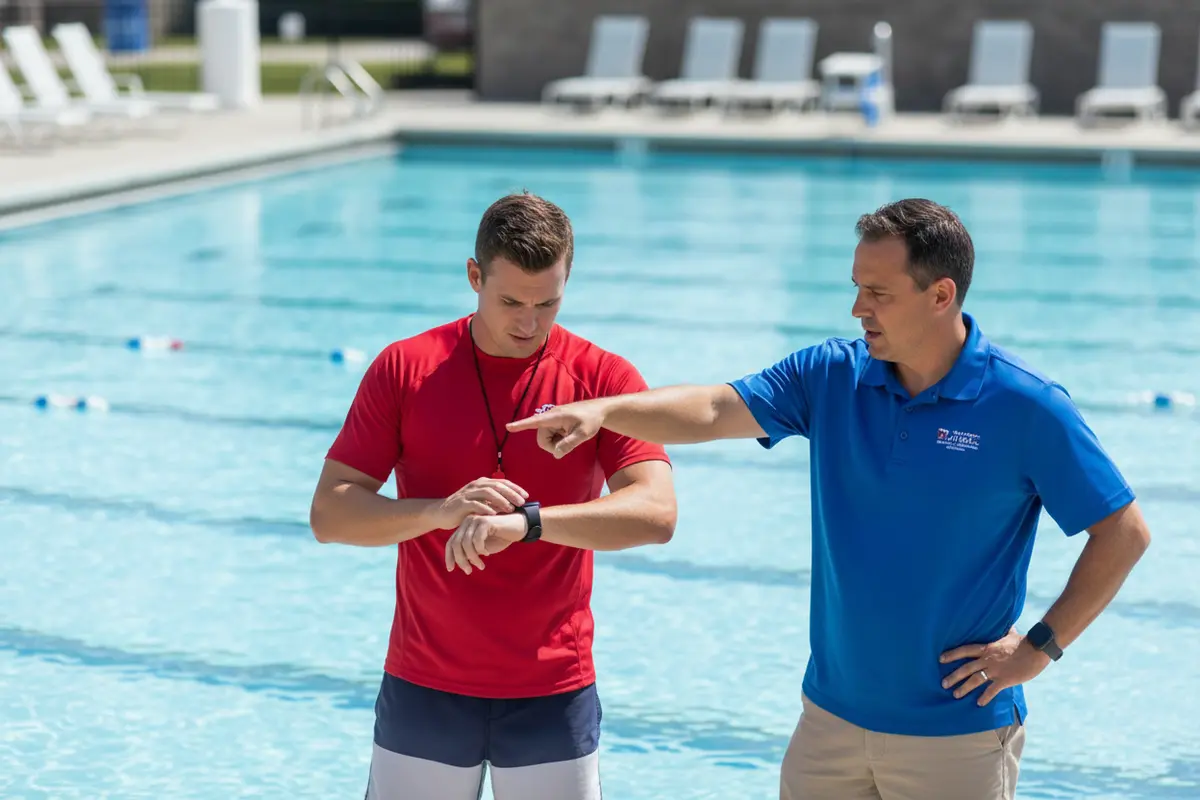
Rotate roles so backups practice, too. One employee can act as the responder in one round and the coverage lead in another. Keep the scenario brief enough to repeat after coaching. For example, a supervisor might run a five-minute alert-recognition round, a five-minute communication round, and a final round that adds a handoff or fault. The small format makes it easier to include multiple shifts without turning every session into a long classroom event.
Debrief with specific questions:
- What did you notice first?
- How did you identify the location?
- Who maintained coverage, and how was that confirmed?
- What information did you communicate?
- What would you do if the alert continued or the device failed?
- What must be documented, and who owns that record?
Record the answer that exposes the gap, not just a pass or fail. If a staff member hesitates over the location, communication phrase, or reset authority, coach that exact step and repeat the scenario. A drill becomes useful when the team changes behavior afterward.
How should facilities manage escalation, faults, and follow-up?
Response does not end when the immediate signal is addressed. Staff need an escalation route for urgent and unresolved alerts, a defined fallback for faults, and a consistent way to record what happened under facility policy.
Build the route around roles rather than one individual. The responding staff member may communicate the signal. A designated lead may coordinate the response. A supervisor may handle facility notifications, vendor contact, and documentation. Each function needs a backup for evenings, weekends, and seasonal shifts.
Write the escalation path in plain language and place it where supervisors can use it quickly. It should answer:
- Who is notified for an urgent alert, an unresolved alert, and an equipment fault?
- Which approved channel is used for each type of issue?
- Who decides whether a device or feature is unavailable?
- What fallback procedure applies when the technology is not in its expected state?
- Who records the time, alert type, actions taken, communication, and resolution?
- Who reviews repeated alerts, recurring faults, or staff confusion?
Do not train staff to improvise repairs, bypass safeguards, or silence an alert because it seems inconvenient. They should use authorized instructions, report problems promptly, and follow the site’s fallback procedure when equipment is not operating as expected. The WAVE support resources can help a facility identify an appropriate support route, but the facility remains responsible for its operational response.
Create a short event review after a drill, fault, or real response. Capture what happened, which step worked, where the handoff slowed, and what action has an owner and due date. A review may result in a revised role card, a new backup assignment, additional practice, or a request for technical support. Avoid turning the form into a blame exercise; the goal is a clearer and more reliable process.
What equipment checks should training include?
Readiness checks help staff recognize when a system is not in its expected state. Teach the approved inspection steps, normal indicators, reporting route, and authority for deciding whether a component is unavailable.
Use the actual equipment during training. Staff should know where the GUARDian Hub (w3000), alert devices, lifeguard tags, swimmer wearables, and related accessories are located in their facility. They should understand the normal status indicators for their configuration and know which conditions require immediate escalation rather than informal troubleshooting.
Organize the check into three stages:
- Before operations: Confirm that assigned devices are present, visibly intact, and in their expected status. Check the items the manufacturer and facility procedures identify for readiness.
- During operations: Notice unexpected sounds, messages, missing equipment, damage, connectivity concerns, or behavior that differs from the trained norm. Report the issue through the approved channel.
- After an issue: Record who was notified, what temporary procedure applies, whether a replacement or support request was made, and who verifies resolution.
Include practical questions in the competency check. Can the employee identify the normal status? Can the employee explain what to do if a wearable is missing? Does the employee know who may issue replacement equipment? Can the employee state that a failed check means the feature must not be assumed available? These questions show whether the person can use the checklist during a busy opening or handoff.
WAVE’s AquaSense swimmer wearables are non-tethered and designed with a multi-year battery rather than daily charging. Facilities should still train staff on inspection and status procedures for their own configuration. Product characteristics do not remove the need for lifeguard scanning, rescue readiness, or the facility’s emergency procedures. Review the Hub Management Software information when planning the status and follow-up portion of training.
How can supervisors verify that training stays current?
Training stays useful when completion records are paired with a demonstration of competence. Refresh it after changes, problems, drills, or reports of confusion, and include new, substitute, and returning seasonal personnel.
Maintain a simple record with the employee name, shift, role, equipment or configuration covered, practice date, trainer, scenario, result, coaching provided, and follow-up date. A digital record can work, but it should be easy for supervisors to review before a person takes an assigned position.
Use a short competency check rather than a signature alone. Ask the employee to identify a key alert, state its likely location format, describe the first communication, explain the coverage responsibility, and state the route for a fault. Then observe one controlled scenario. If the person cannot complete a step, coach and repeat it instead of marking the topic complete.
Refresh the checklist when the system configuration, facility layout, staff responsibilities, or emergency action plan changes. Revisit it after a drill reveals uncertainty, a fault affects normal operations, or an employee reports a confusing signal. Include the module in new-hire orientation, shift briefings, and recurring emergency action plan practice. The aquatic emergency action plan guide can help leaders structure that broader review.
Review records for patterns, not just completion percentages. If several employees confuse a status message with an urgent alert, improve the demonstration. If evening teams cannot name the backup, revise the shift card. If staff know the signal but cannot communicate a location, test the zone labels and radio language. This turns training data into operational improvements.
How does computer vision drowning detection fit this checklist?
Computer vision drowning detection is one technology category a facility may evaluate, but staff must train on the system actually selected. Its signals, limits, alert path, and required human response should be documented without weakening active supervision.
A facility should not copy a training plan from one technology to another. Camera-based detection, wearable sensors, lifeguard entry detection, and other systems may differ in how they identify a condition, where an alert appears, and what staff must verify. The checklist should therefore name the selected system, its current configuration, and the manufacturer instructions used by the trainer.
The U.S. Consumer Product Safety Commission lists a technical document on SwimSafe: a Computer Vision Pool Alarm. The listing is a reference about the technology category, not a facility-specific response plan. Use it as background alongside the selected system’s documentation, local policy, and the emergency action plan.
When a facility compares approaches, ask staff to participate in the evaluation. Can they recognize the alert from normal positions? Can they identify the correct zone quickly? Does the workflow preserve coverage during a response? What happens if lighting, water conditions, connectivity, or equipment status changes? How is a fault reported? These questions keep the decision grounded in the people who must use the system.
WAVE’s wearable approach is designed for supervised aquatic environments and can work in clear and dark or murky water without permanent construction. Its purpose is to support staff with an additional alert layer, not to remove the need for lifeguards. Leaders can review the facility safety tools guide, the pool alarm buyer guide, and the commercial pool product information when connecting training requirements to a system conversation.
What should a completed checklist look like?
The finished checklist should let a supervisor answer five questions quickly: what signal occurred, who responds, how coverage continues, what happens if the system is unavailable, and where the outcome is recorded.
Keep one version for initial orientation and one condensed version for shift use. The orientation version can explain system purpose, alert types, role boundaries, drills, equipment checks, and escalation. The shift version can show the assigned lead, backup, zone language, communication route, fallback procedure, and documentation owner.
Before approving the checklist, walk through it with a lifeguard, supervisor, aquatic director, and any staff member who receives alerts. Ask each person to identify a confusing instruction. Remove duplicate steps, replace vague phrases with observable actions, and confirm that the document matches the current facility plan. A checklist is only useful when the people who use it can find the answer under pressure.
- System: the selected technology and current configuration are named.
- People: every shift has a primary responder, backup, coverage lead, and escalation owner.
- Practice: staff complete controlled drills for alerts, handoffs, busy periods, and faults.
- Readiness: approved equipment and status checks are assigned and documented.
- Boundaries: staff understand that detection technology supports, rather than replaces, lifeguard supervision.
- Improvement: debrief findings lead to an owner, action, and review date.
Use the lifeguard support system guide to keep the training conversation centered on practical staff support and response workflows.
Frequently Asked Questions
A facility-specific checklist should reflect the actual system, staffing model, and emergency action plan. These answers provide a starting point, while current manufacturer instructions and local procedures govern the details.
Who should receive pool safety technology training?
Train every employee whose duties include monitoring, responding to alerts, supervising swimmers, handling system status, or relaying an escalation. Include supervisors and backups, as well as new, seasonal, substitute, and returning staff whose roles may change by shift.
How often should staff practice alert response?
Follow facility policy and manufacturer guidance, and repeat practice when the system, layout, staffing, or emergency action plan changes. A drill, fault, incident, or report of confusion should also trigger a focused refresher.
Should staff silence an alert they believe is false?
Only authorized staff should use the approved verification or reset instructions. Staff should follow the escalation and documentation process, maintain required supervision, and avoid bypassing safeguards or ignoring an unresolved alert.
Does detection technology replace lifeguard supervision?
No. Detection technology adds another layer of support in a supervised aquatic environment. Lifeguards must continue assigned scanning, rescue readiness, communication, and emergency procedures.
What should staff do if the system appears unavailable?
Report the issue to the designated supervisor and follow the facility’s fallback procedure. Staff should not assume an unavailable feature is monitoring swimmers, make unauthorized repairs, or return to normal operations without the responsible leader’s direction.
How can a supervisor tell whether training worked?
Ask the employee to identify a signal, state the location format, name the response role, communicate the alert, explain how coverage continues, and report a fault. Observe those steps in a controlled drill, record any gap, and repeat the relevant practice after coaching.
A practical checklist connects each signal to a person, a procedure, continued supervision, and documented follow-up so every shift can respond with greater consistency.
